Office Photo Machine
Get Pricing
Automate Capture of Stills, 360, 3D Hemispherical/Spherical, & Video
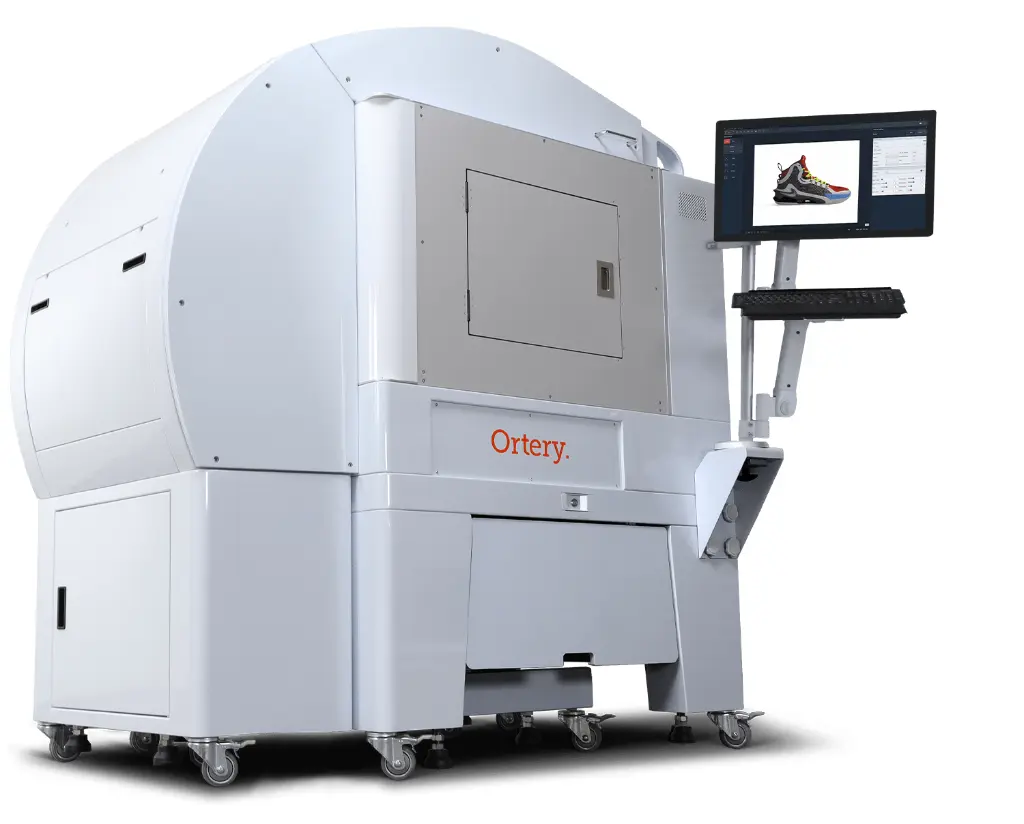
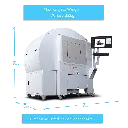
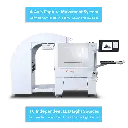
The Office Photo Machine (OPM) is an All-In-One, Self-Contained Content Creator. Akin to a traditional copier machine, the OPM was designed with one touch simplicity in mind. With one press of the touch screen monitor, the software-controlled 4-Axis Movement (camera mounted flyover, tilt, zoom, & built-in, bottom-lit turntable 360 spin) automates the capture of still shot sequences, 360 photos, hemi/spherical 3D animations, and videos. No experience is necessary to get professional photos, animations, or videos. The user simply places the product, chooses a capture profile, & the OPM does the rest.
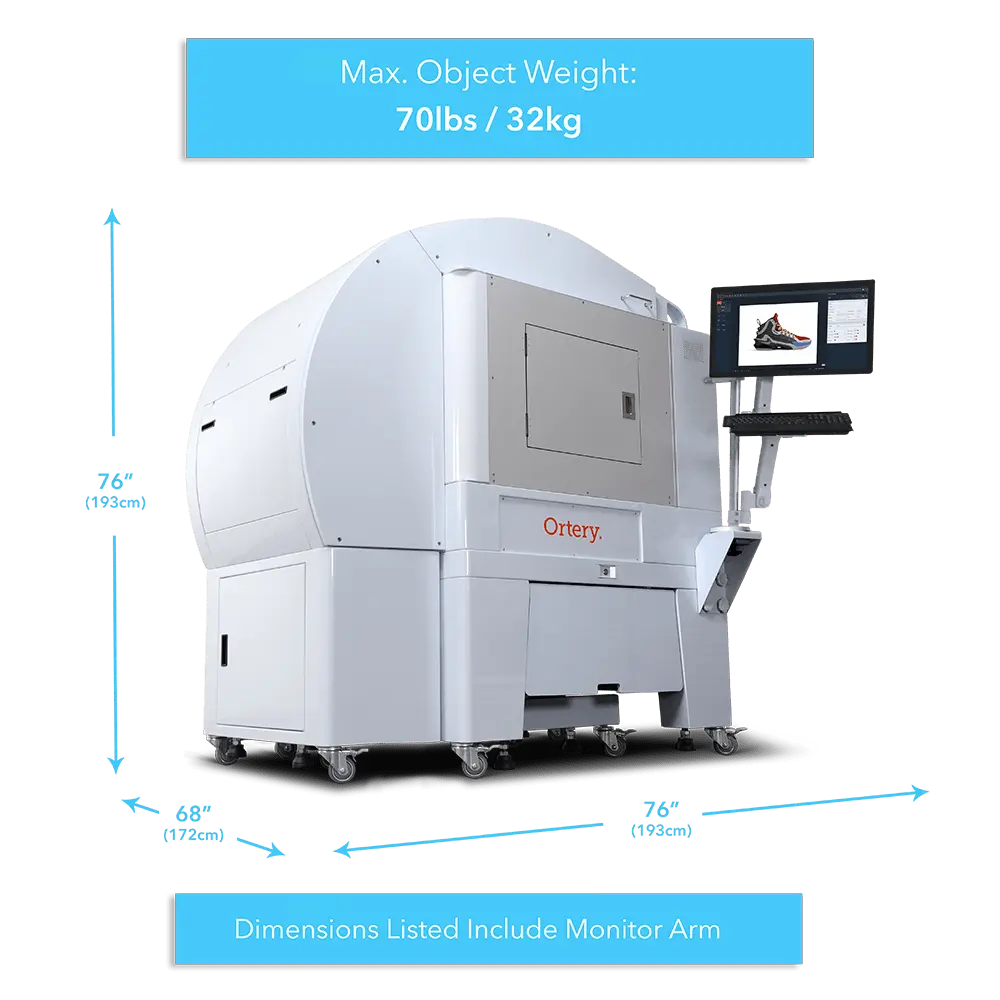
| Dimensions | 165 x 155 x 180 cm |
| Turntable Diameter | 76 cm |
| Max Object Weight | 32 kg |
| Item Size | Top Shots: 48 x 48 x 36 cm Side Shots: 48 x 48 x 36 cm 360/3D Shots: 48 x 48 x 36 cm |
| Light Quality | CRI: 95+ COLOR TEMP: 5700K LED LIFE: 50,000 HOURS |
| Operating System |
|
| SOFTWARE REQUIREMENTS | COMPATIBLE CAMERAS |


Hardware – Designed for Automation
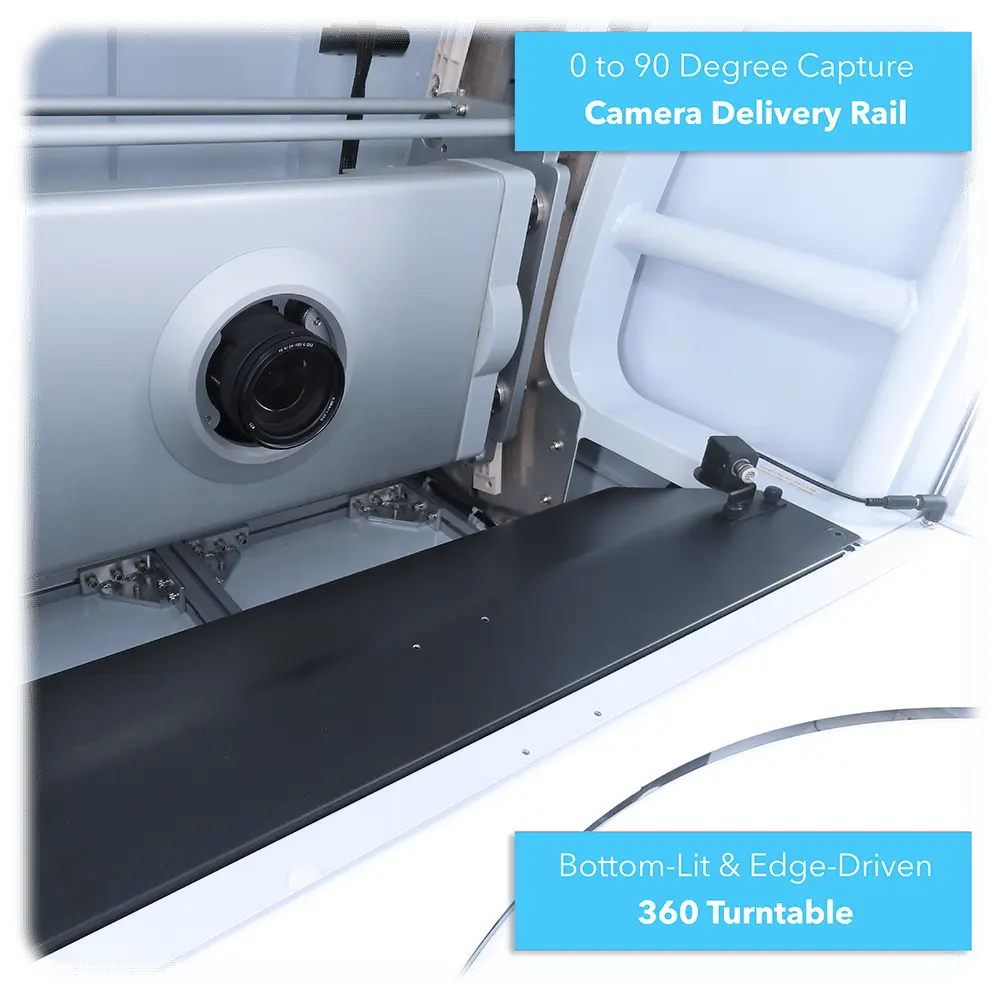
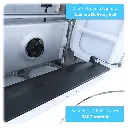
- Built-In 360 Turntable – Patented, Bottom-Lit, Edge-Driven & Transparent
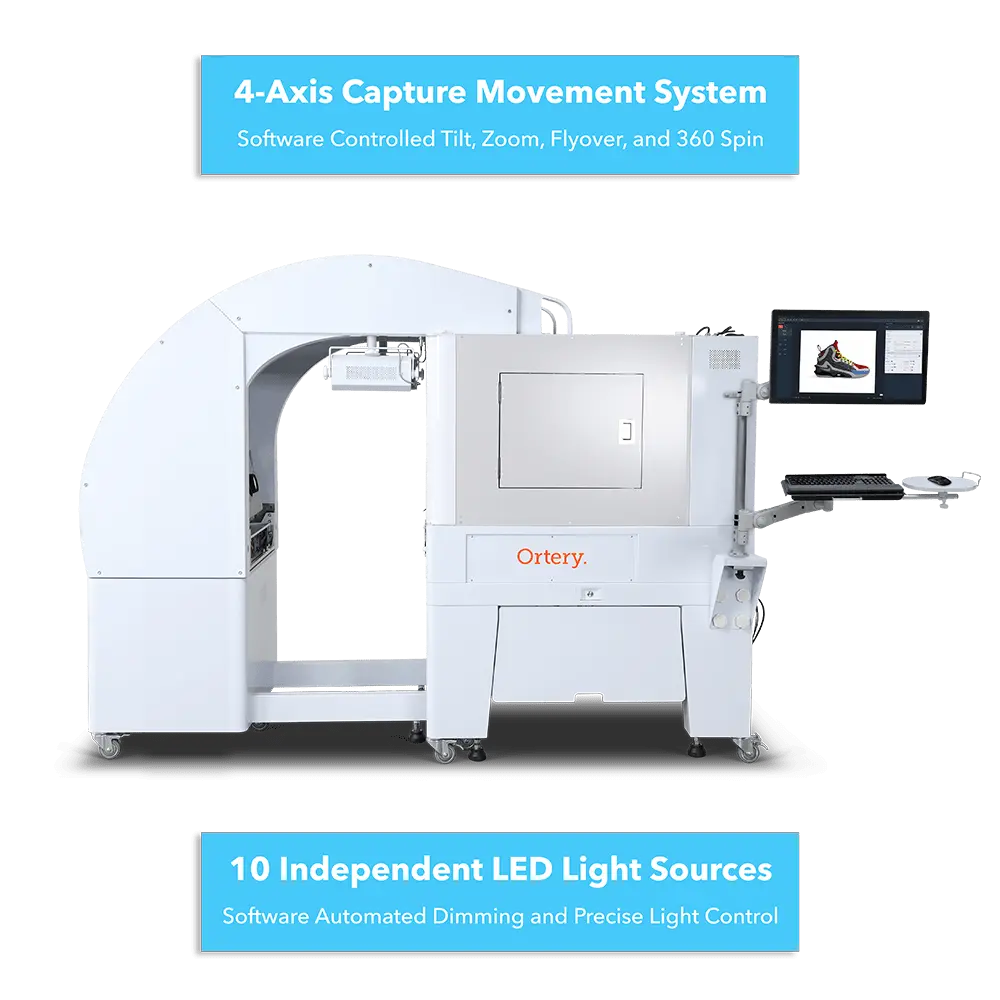
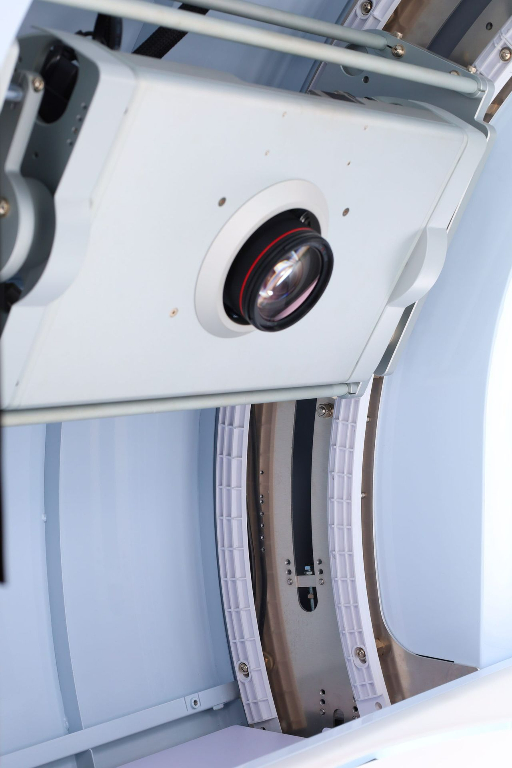
- 4-Axis Movement Control
- Motorized Camera Mounted On Curved Track
- Full Zoom, Tilt, & Flyover Control Through Software
- Automated Camera Movements For Repeatable Results
- Advanced LED Lighting Control With High Color Accuracy
- 10 Independent Light Sections With Large Dynamic Range
- Fine Dimming Control From:
- The Left Front, Top, & Rear | The Right Front, Top, & Rear
- The Turntable – Bottom Near & Far
- The Curved Back Wall – Top & Bottom
- Fast & Automated 360 / 3D Image Capture
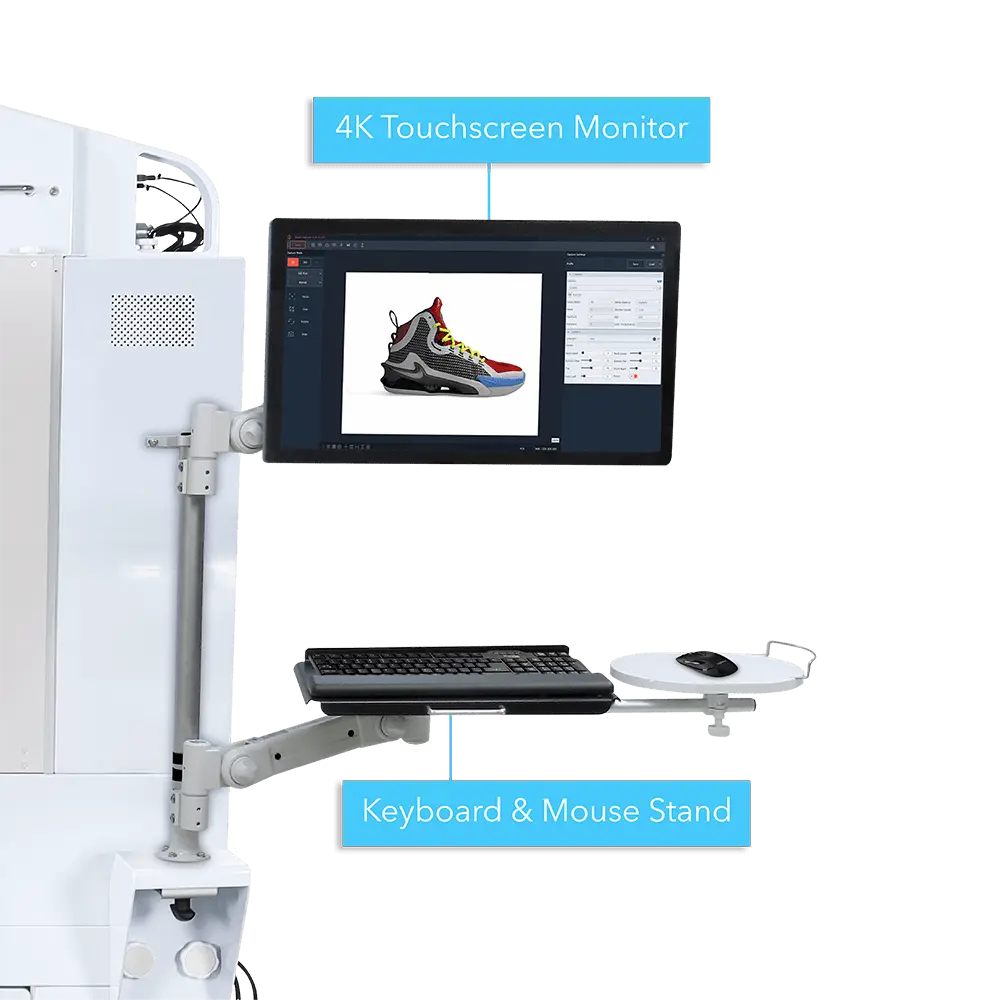
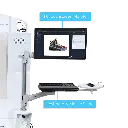
- Ambidextrous Use – Mount Touchscreen Monitor To Either Side
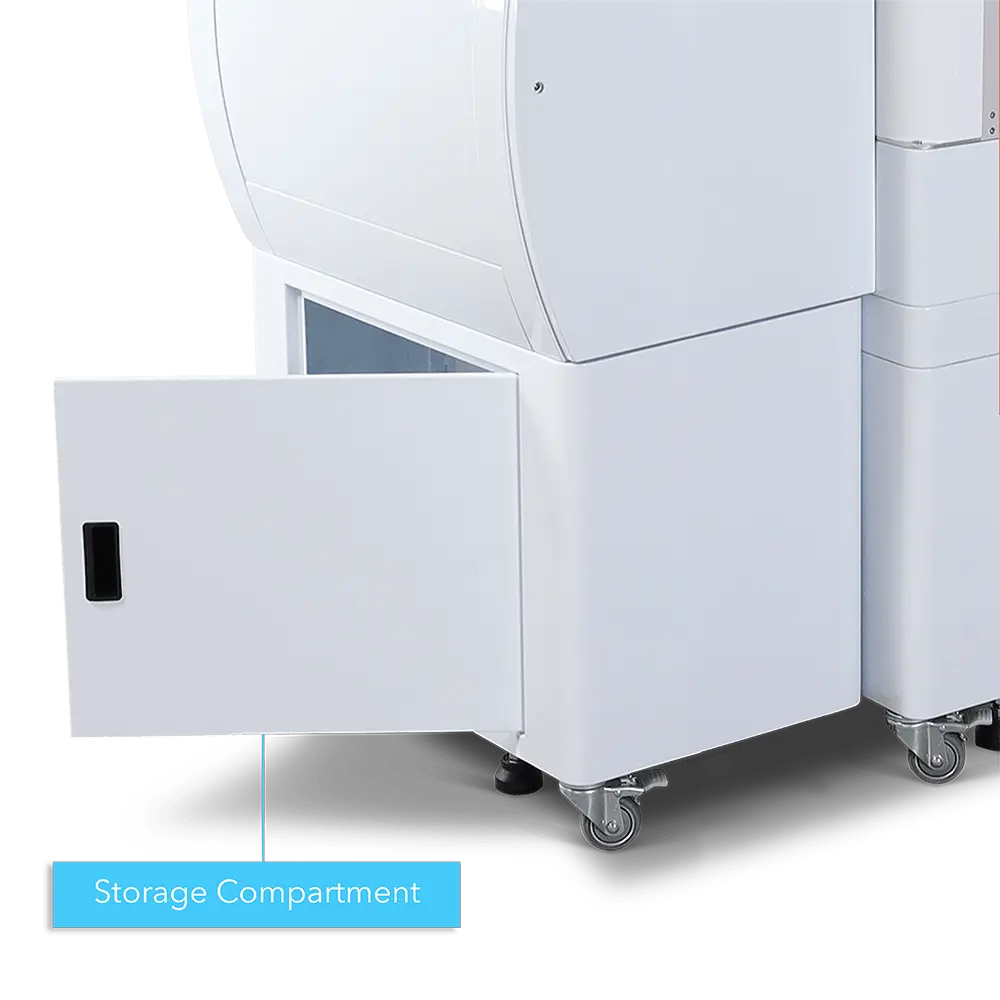
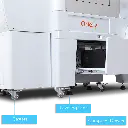
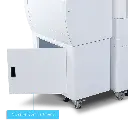
- Side Doors For Easy Product Placement
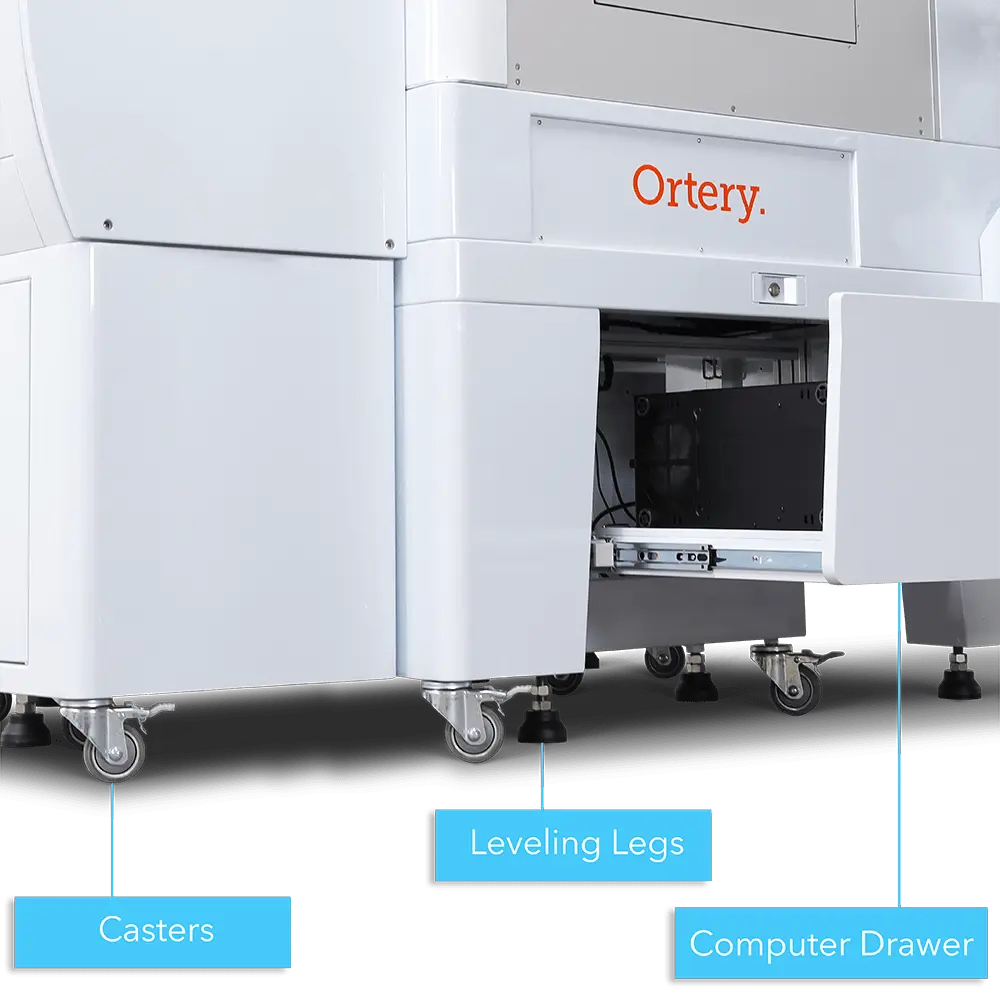
- Casters & Leveling Legs For Easy Movement & Secure Placement
- OPM Fits Through Standard Office Doors
- OPM Fits Through Standard Office Doors
Sophisticated Software
Ortery Capture
- Increase Photography / Videography Output Through Automation
- Use Profiles To Automate Photography / Videography
- Create Workflows For Consistent Capture At Specific Angles
- Increase Product Display Options
- Easily Create Professional Stills, 360 Views, 3D Hemi / Spherical Product Animations, & Videos
- Take Product Shots On Pure White & Transparent Backgrounds.
- Replace Background With a Specific Color, Image, Or Natural Shadow
- Capture Video Sequences With Automatic Capture, Editing, & Stitching
- Use Photo Editing Tools To Adjust Color For True To Life Tone
Walk Up Mode
Walk Up Mode takes automation one step further by eliminating manual adjustments. The software creates best lighting environments and camera settings for the products. This allows the user the place a product and press snap. That’s it. All the other processes are handled by the software automatically.
Utilize Multiple Configurations
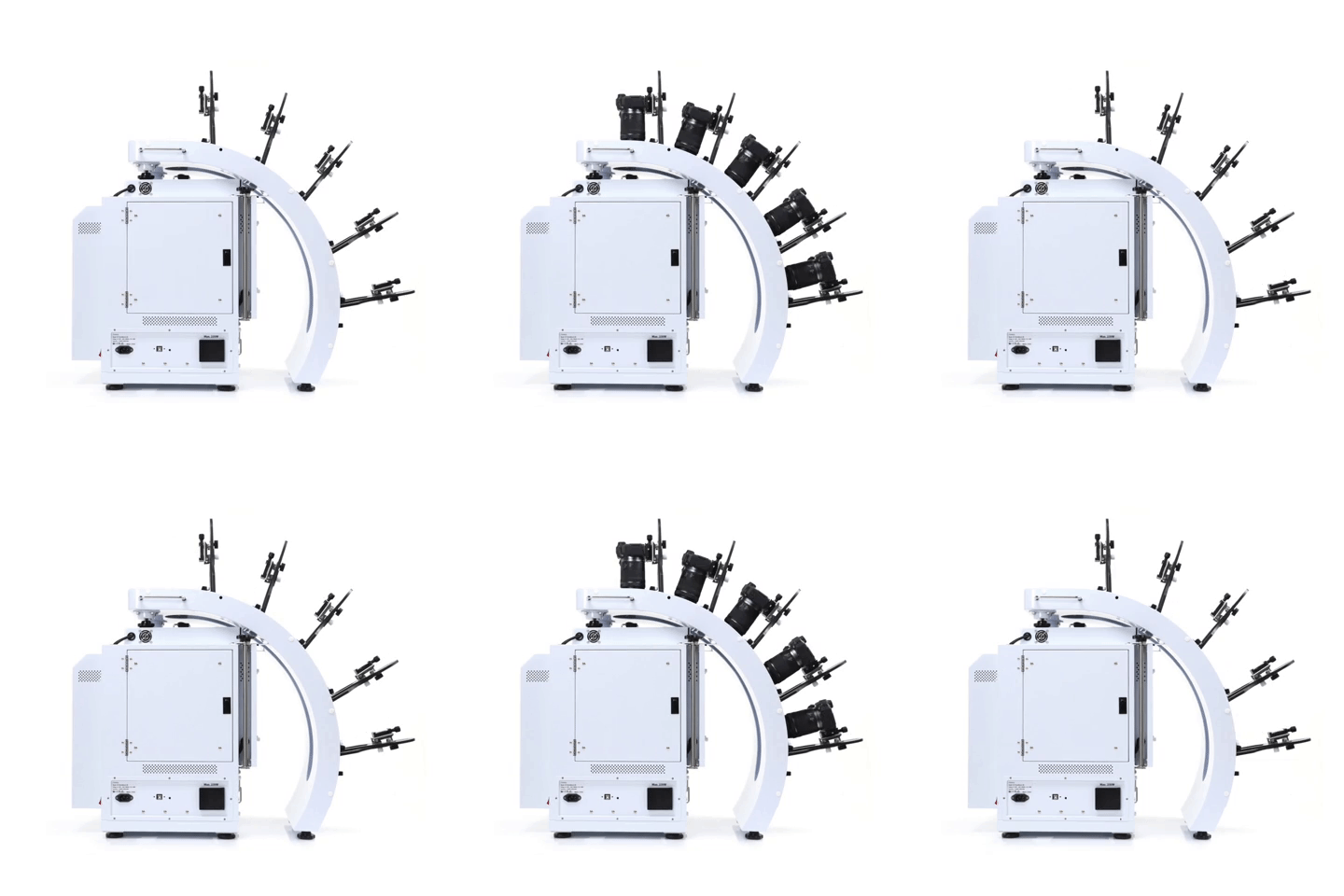
Take pictures and videos with up to 5 compatible Canon cameras. Use different configurations to create unique results.
- Simultaneously control and capture pictures with up to 5 Canon cameras. Take up to 800 images, max 5 rows
- Stable MultiArm rig with 52.57cm – 62.23cm shooting radius
- Create hemispherical views in one rotation, fast
- Universal tripod heads fit all compatible Canon cameras
3D Jewelry Capture Workflows
Automate Capture Workflows
Repeatedly capture jewelry from the exact angles you, automatically. Enjoy a new level of jewelry photography speed and consistency.
Create Hemispherical and Spherical 3D Jewelry Views
Add another dimension to online jewelry display. Show jewelry floating and spinning from every angle, including the bottom. Customers can interact, zoom, and see the fine details.
Dual View Capabilities
Attract more views by showing your jewelry at different angles, different zooms or in different configurations.
Video Sequencing
Take individual video clips of your jewelry – each highlighting a specific characteristic – then put them together to tell a complete story. All settings are memorized for future use.
Features
- Automates the creation and stitching of hemispherical and spherical product views
- Software controls the hardware (cameras, lights, turntable) and photography workflow (capture, editing, stitching & saving)
- Simultaneously control and take pictures with up to 5 Canon cameras. Take up to 800 images / 5 rows
- Cameras fire in sync with turntable movement
- Accelerate capture of still, video & 360 product views in JPG, PNG, TIFF, PSD, RAW, HTML5, GIF, MOV & MP4 formats
- Create 3D product views on pure white or transparent
- Save / Reuse best settings for increased productivity
- Batch editing, stitching & saving
- Free training, easy to learn and use
- Excellent craftsmanship, one-year hardware warranty