PhotoBench 100
Get Pricing
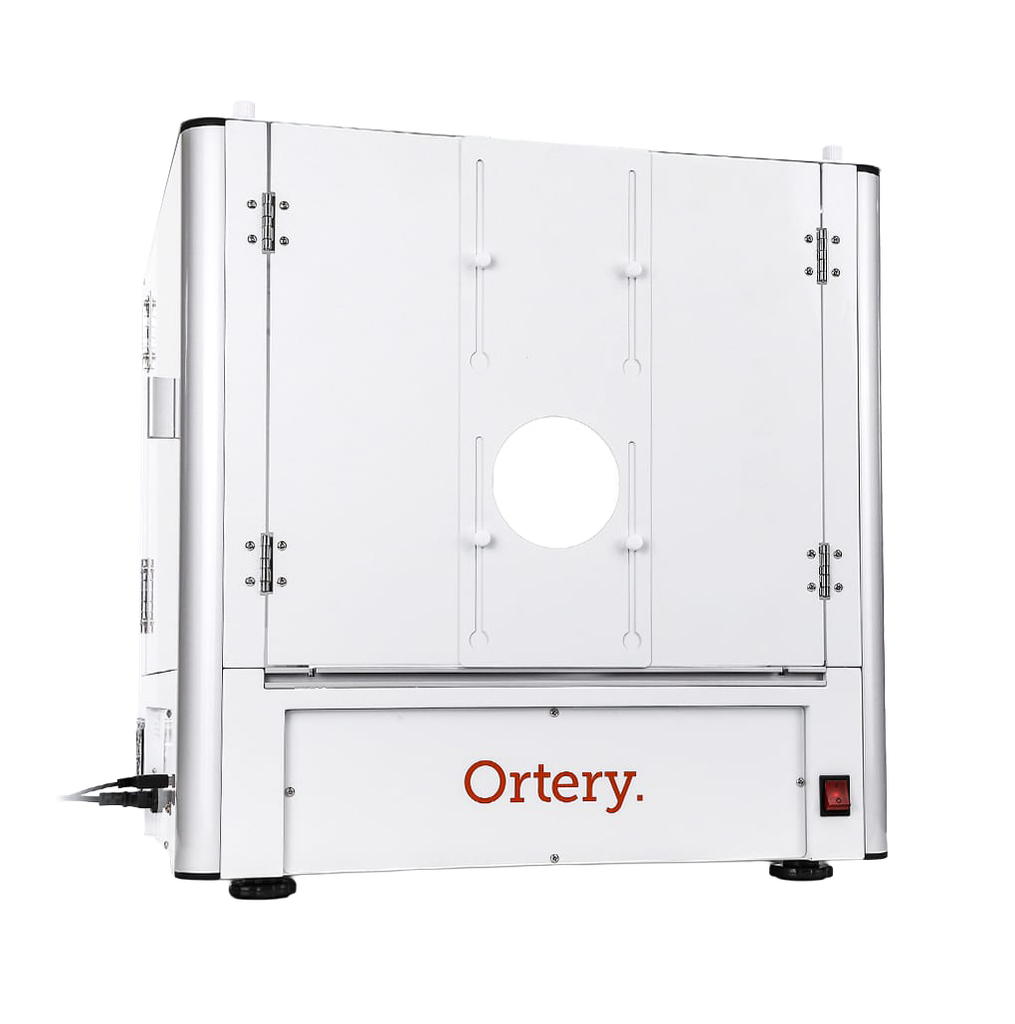
Ortery PhotoBench 100 desktop product photography light box integrates a camera and dimmable lighting control to create product shots on pure white backgrounds.
Jewellery Photography Light Box and Software
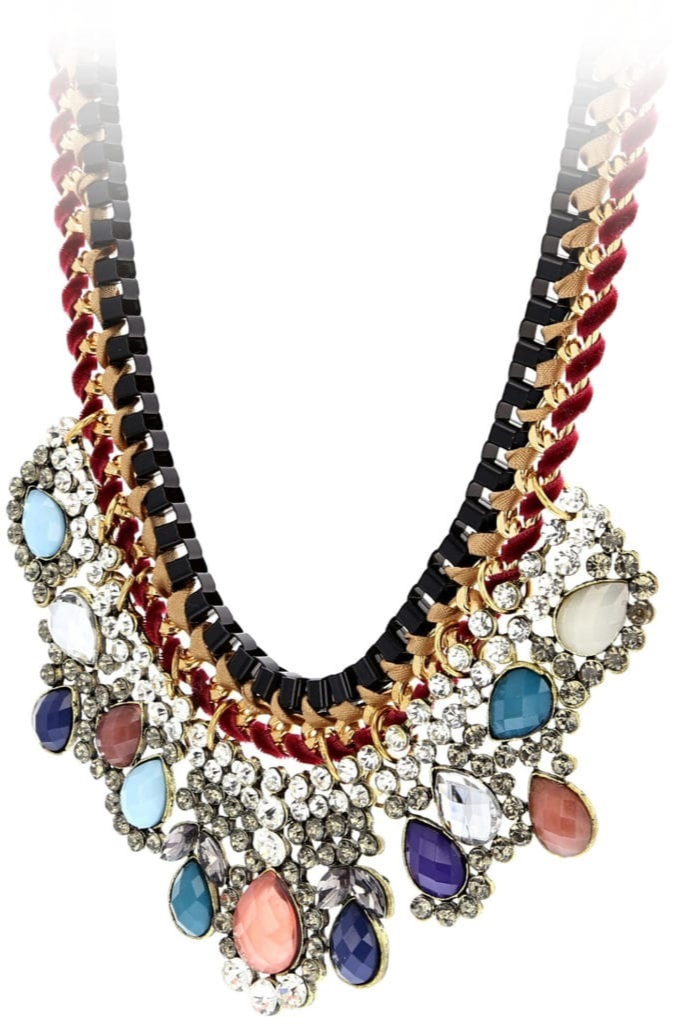
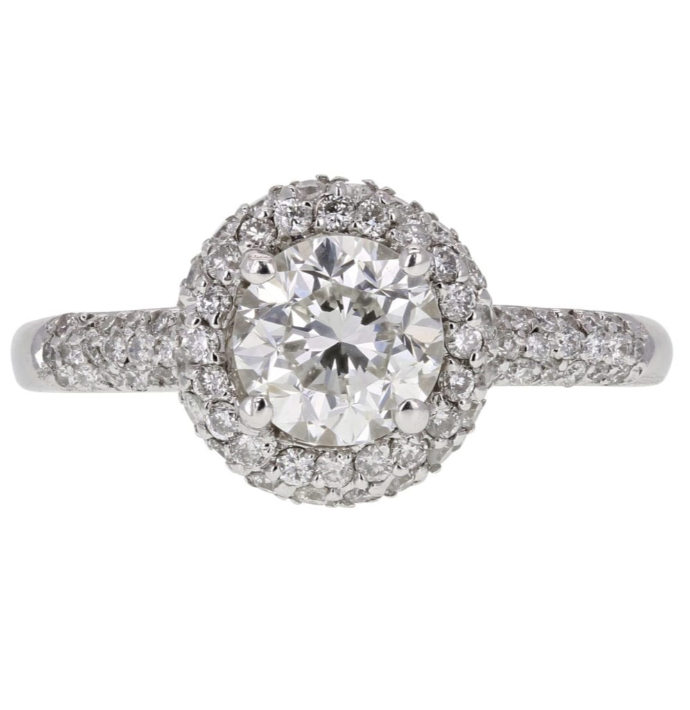
Accelerate your jewellery photography and take better pictures at the same time. This light box uses software to take pictures and control camera, lighting and workflow settings. Simple to learn and use, the software saves and reuses the best light and camera settings for capturing specific types and colors of jewellery . Advanced dimming control from the front, back and bottom make it easy to shoot your jewellery in the best light on pure white or transparent backgrounds. Captured images are automatically edited, processed and saved. Works well for taking professional pictures of all types of jewellery photography including watches, necklaces, rings, earrings, bracelets and more.
| Dimensions | 60 x 60 x 59 cm |
| Weight | 32 kg |
| Max Object Weight | 20 kg |
| Object Size | Top Shots: 35 x 37 cm Side Shots: 35 x 37 x 34 cm |
| Operating System |   |
| SOFTWARE REQUIREMENTS | COMPATIBLE CAMERAS |
The Right Light Box for Taking Jewellery Photos
FEATURING
- Dimmable (5700K) LED lighting
- 50,000 hour lifespan
- 95+ CRI
ADVANCE LIGHTNING CONTROL
- Large dimmable dynamic range
- Incremental dimming from four unique positions (software controlled)
- Utilizes banks and strips of small LED lights for uniform lighting results
ACCURATE COLOR
SMART DESIGN
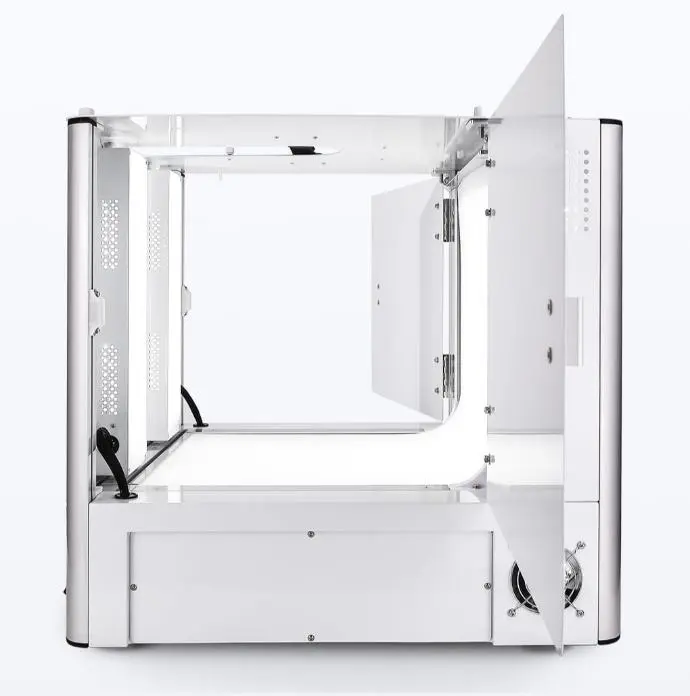
- Large shooting area with easy access
- Maximum reflection control
- Bottom and back lit background sweep
- Takes top and side shots
- Front and side doors for easy product placement
- Stable, level system with no vibration
- The right size for shooting with fixed macro lenses
Benefits and Industry Use
To take great pictures of jewellery, the lighting environment must be right… not from just from one angle, but from them all. In addition, the system must be easy enough for anyone to use and get great results.
- Software simplifies and accelerates jewellery photography
- Takes web-ready pictures with pure white backgrounds
- Real time preview, see the result before you even take the picture
- Automatic batch editing, processing and saving
- Hardware and software solution optimizes product photography
- Creates lifestyle “Try On” videos
- Images can be annotated with more product info
- Repeatable and consistent lighting
The Right Software
- Efficient photography workflow integrates hardware and software capabilities to accelerate product photography and optimize results
- Create side and top shots with pure white or transparent backgrounds
- Simply place an object inside, use the software to adjust camera settings and compose the image on your monitor screen. Click Snap. the picture immediately appears on your monitor for batch editing, processing and saving
- Save and reuse optimized camera and light settings
- Output RAW, JPG, TIFF, PNG, MOV and MP4 files
- AfterImage feature ensured increased image consistency
- Focus Stacking feature makes sure everything is in focus
- Makes individual colors pop
Utilize Multiple Configurations
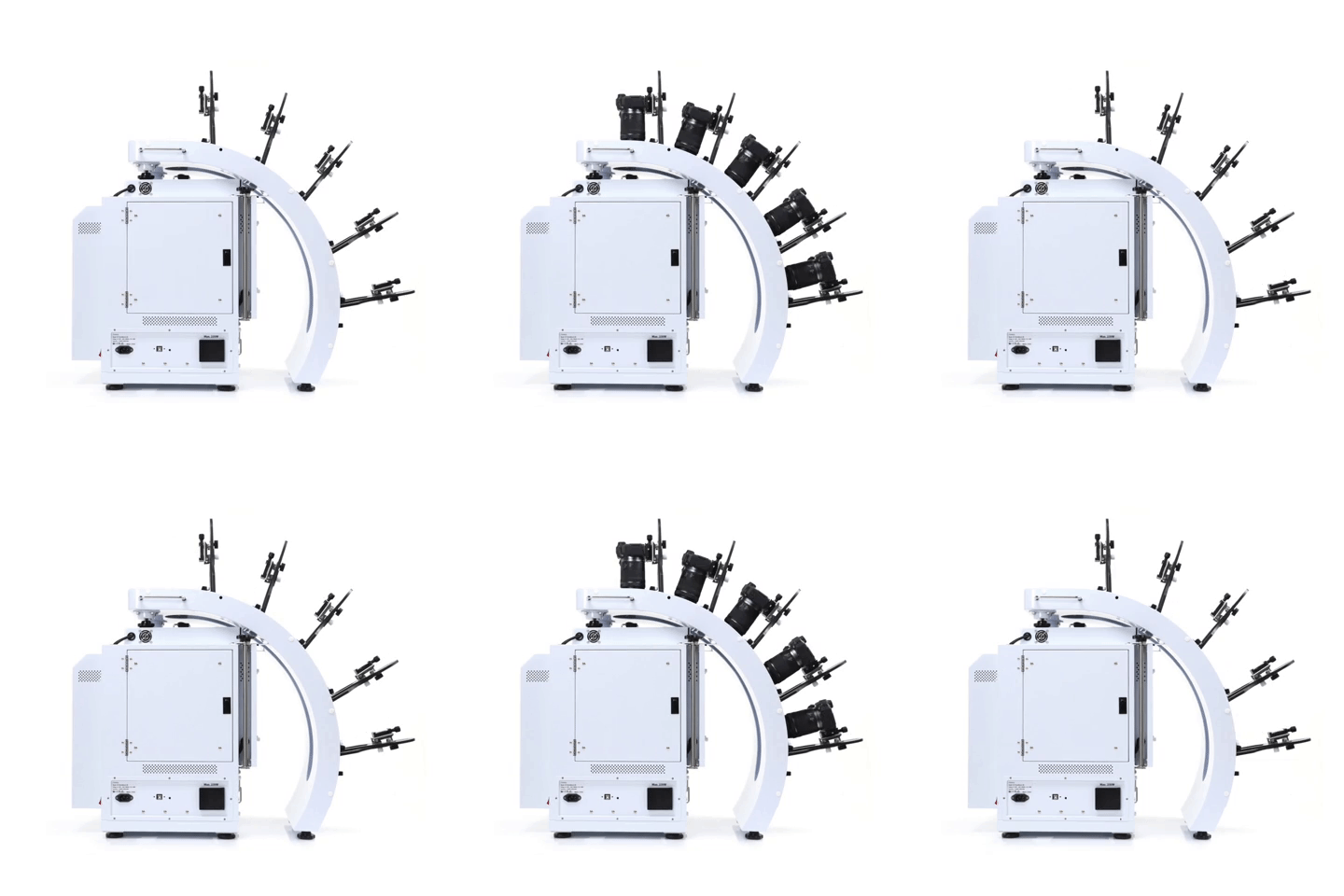
Take pictures and videos with up to 5 compatible Canon cameras. Use different configurations to create unique results.
- Simultaneously control and capture pictures with up to 5 Canon cameras. Take up to 800 images, max 5 rows
- Stable MultiArm rig with 52.57cm – 62.23cm shooting radius
- Create hemispherical views in one rotation, fast
- Universal tripod heads fit all compatible Canon cameras
3D Jewelry Capture Workflows
Automate Capture Workflows
Repeatedly capture jewelry from the exact angles you, automatically. Enjoy a new level of jewelry photography speed and consistency.
Create Hemispherical and Spherical 3D Jewelry Views
Add another dimension to online jewelry display. Show jewelry floating and spinning from every angle, including the bottom. Customers can interact, zoom, and see the fine details.
Dual View Capabilities
Attract more views by showing your jewelry at different angles, different zooms or in different configurations.
Video Sequencing
Take individual video clips of your jewelry – each highlighting a specific characteristic – then put them together to tell a complete story. All settings are memorized for future use.
Features
- Automates the creation and stitching of hemispherical and spherical product views
- Software controls the hardware (cameras, lights, turntable) and photography workflow (capture, editing, stitching & saving)
- Simultaneously control and take pictures with up to 5 Canon cameras. Take up to 800 images / 5 rows
- Cameras fire in sync with turntable movement
- Accelerate capture of still, video & 360 product views in JPG, PNG, TIFF, PSD, RAW, HTML5, GIF, MOV & MP4 formats
- Create 3D product views on pure white or transparent
- Save / Reuse best settings for increased productivity
- Batch editing, stitching & saving
- Free training, easy to learn and use
- Excellent craftsmanship, one-year hardware warranty