PhotoCapture 360
Get Pricing
Create 360 Degree Product Views
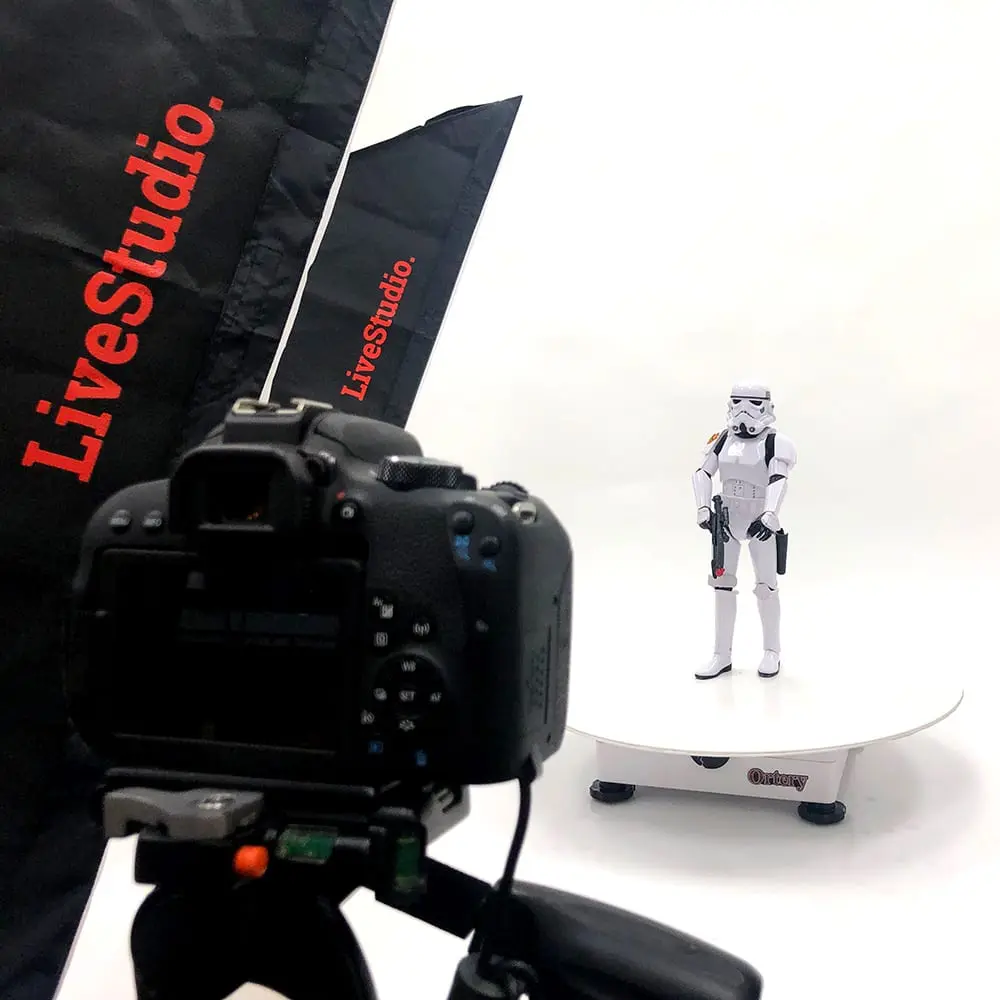
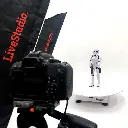
Create 360 product views for Amazon, eCommerce or other applications. Use the 360 photo software to build workflows that automate turntable movement, image capture, editing and stitching. It’s easy. No limits or monthly fees. You own it. Unbeatable service and support.
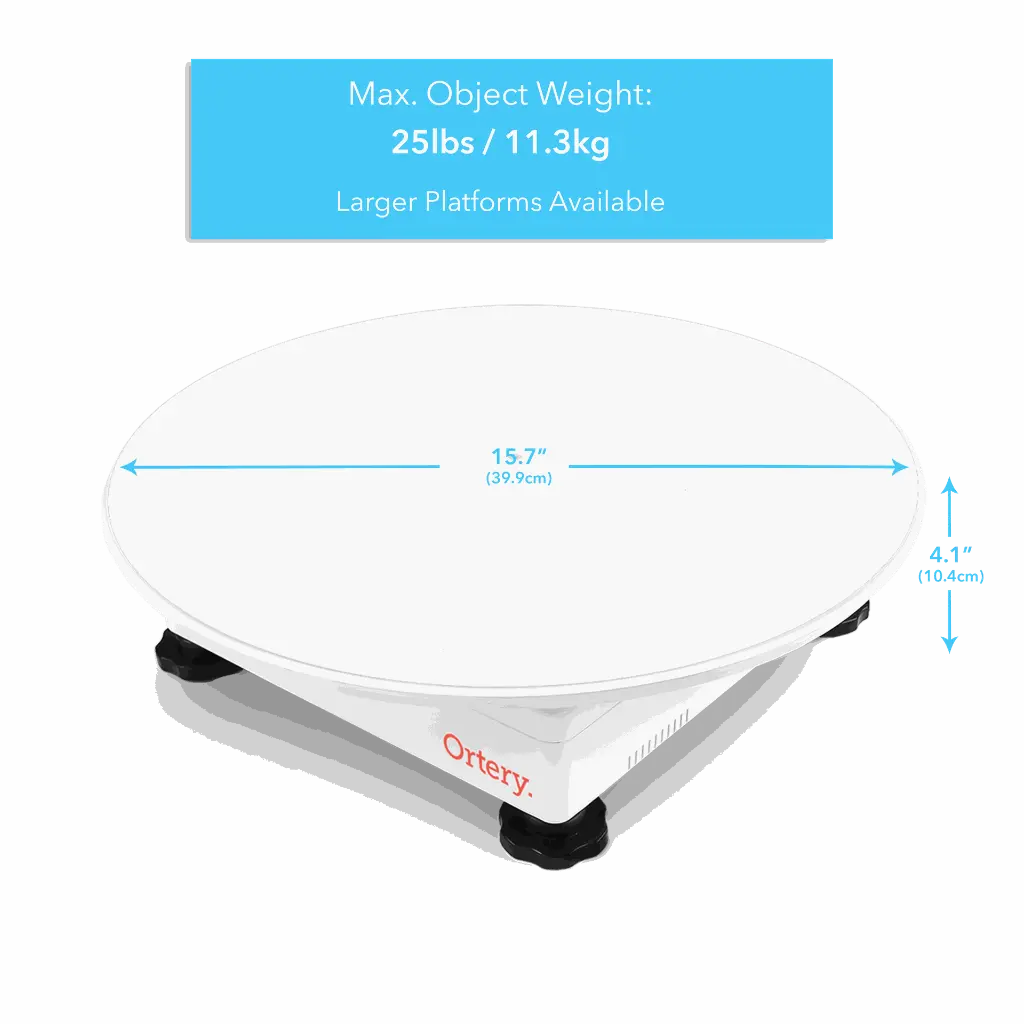
| Dimensions | 40 x 40 x 10 cm |
| Shipping Dimensions | 46 x 46 x 15 cm |
| Platforms | 29 cm and 39 cm |
| Max Object Weight | 11 kg |
| Turntable Weight | 3 kg |
| Shipping Weight | 4 kg |
| Operating System |
|
| SOFTWARE REQUIREMENTS | COMPATIBLE CAMERAS |


Highlights
- 360 Photography Software (Mac / Windows) Controls the Entire Image Creation Workflow
- Automates 360 Photo Capture, Editing, Stitching and Saving
- Also Captures Still and 360 Videos
- Output HTML5, GIF, MOV, MP4, JPG, RAW, PNG and TIFF
- Smooth, Precise Rotation to Any Angle. Shoot up to 1024 Photos per 360
- Fast Repeatable Results
- Full Camera Control with Real time Preview
- Interactive 360 Animations can be Viewed on All Browsers
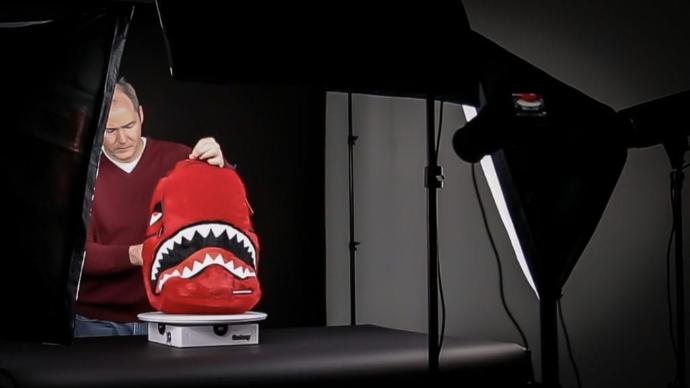
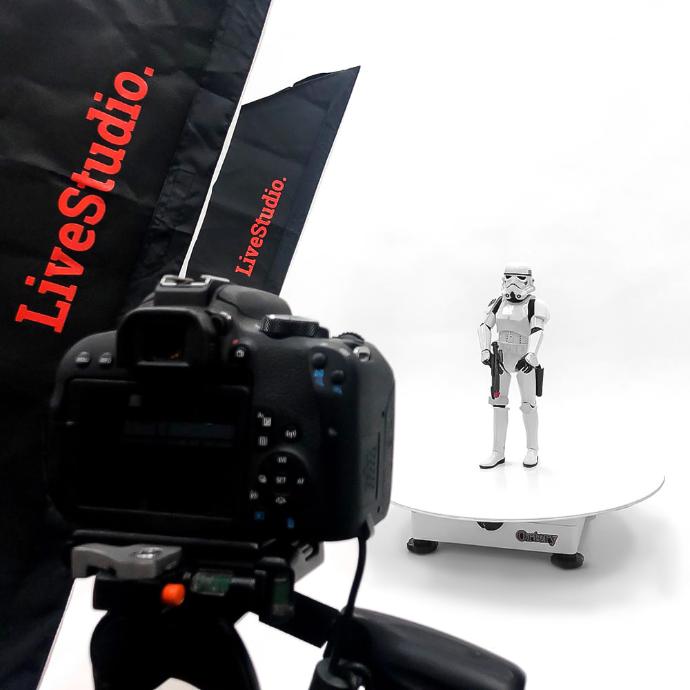
360 Turntables Features
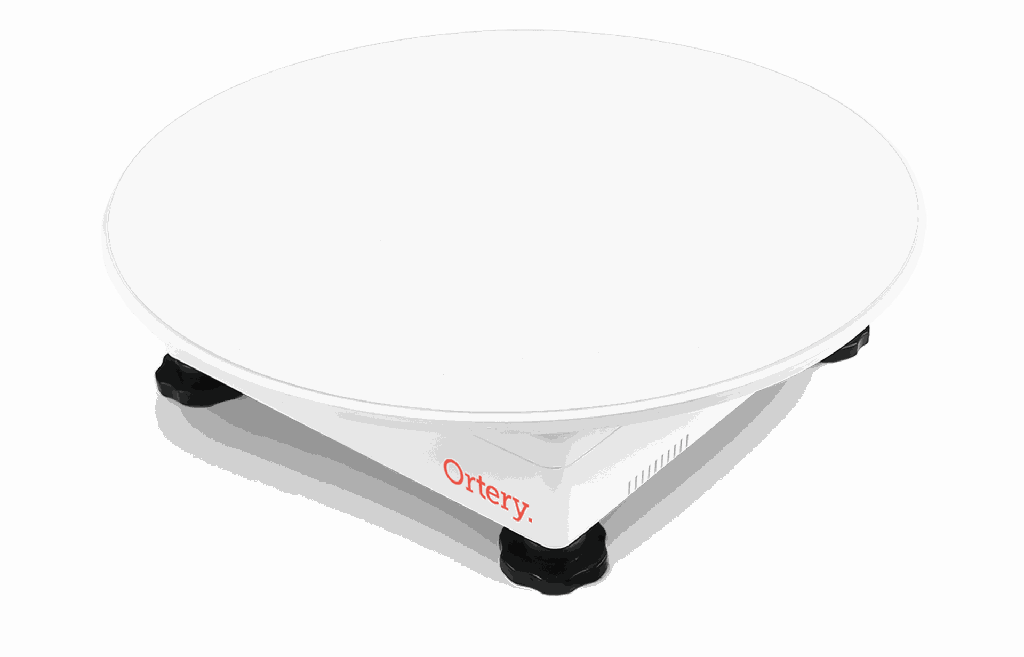
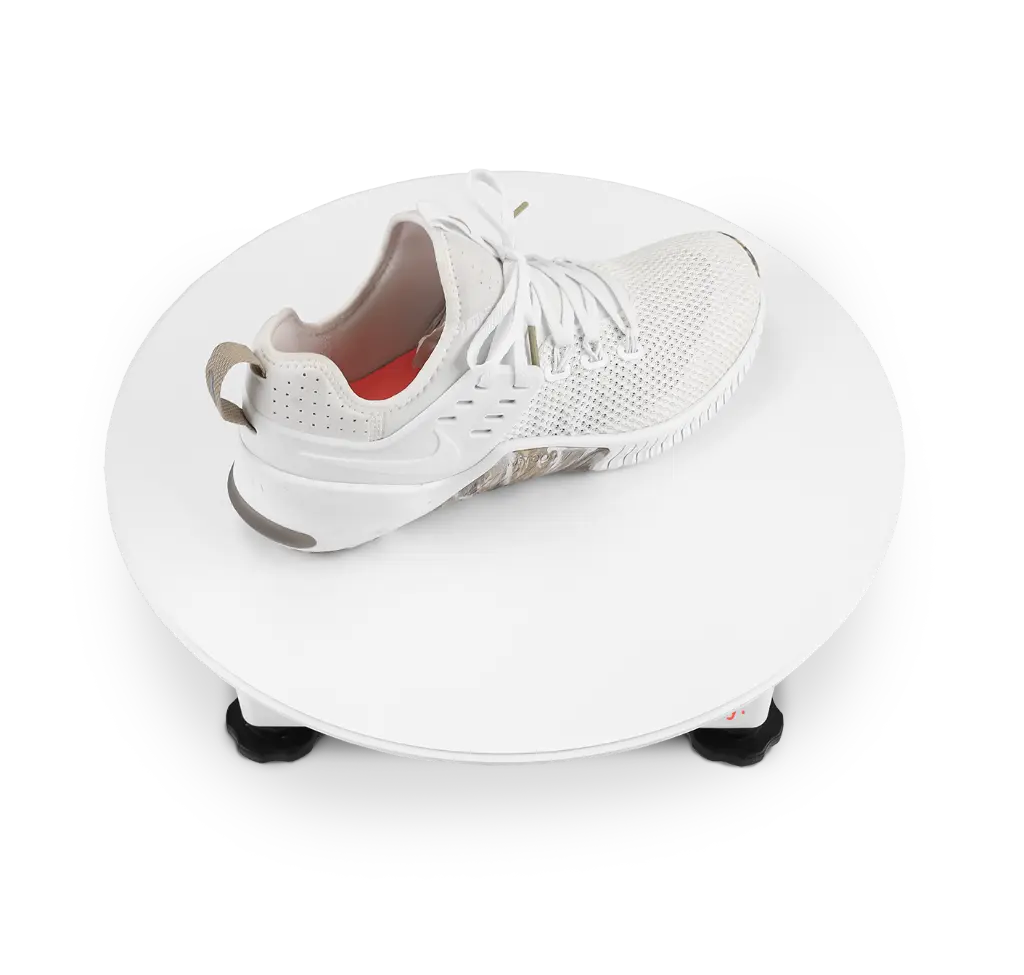
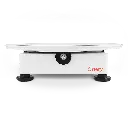
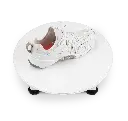
- Motorized 360 Product Photography Turntable
- 25 lbs. Capacity
- Full Movement Control via USB
- 11.4” and 15.7” Diameter Platforms
- Direction and Speed Control
- Precise Rotation to Any Angle
- Accurate and Fast 360 Rotation
- Easy Centering
- Accessory Friendly. Use with Larger Platforms and Product Stands
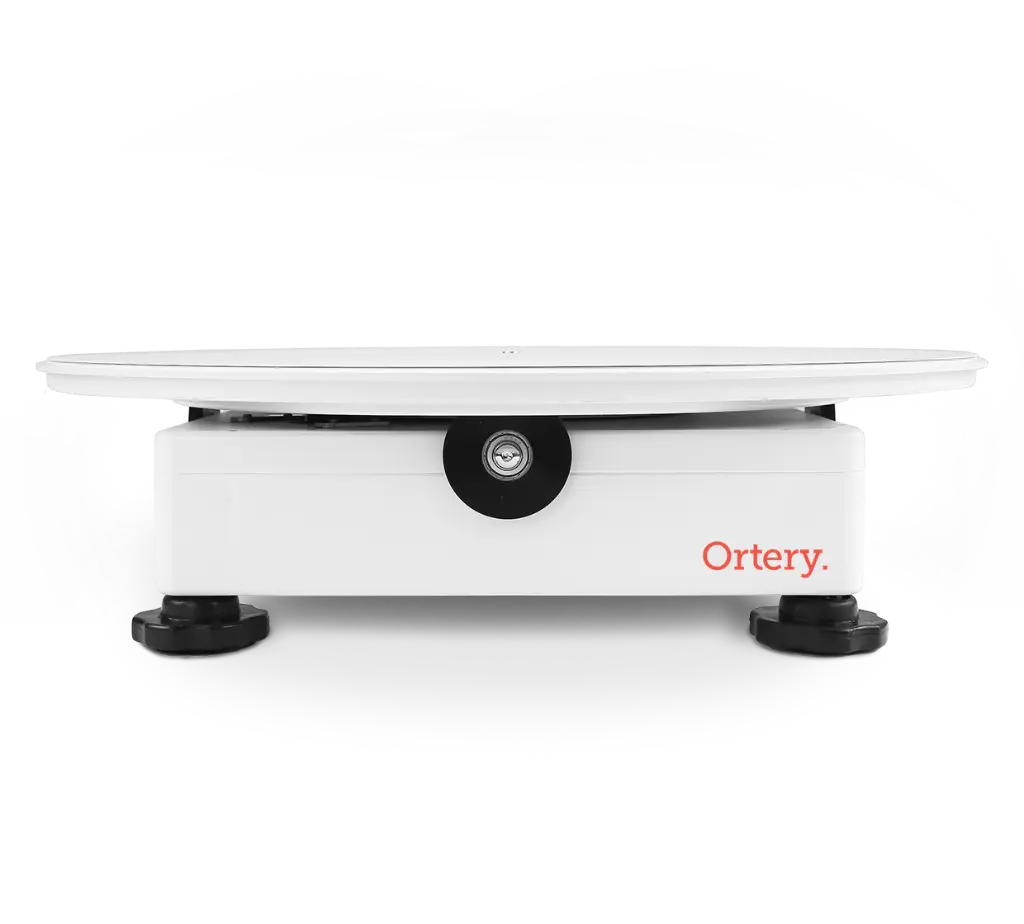
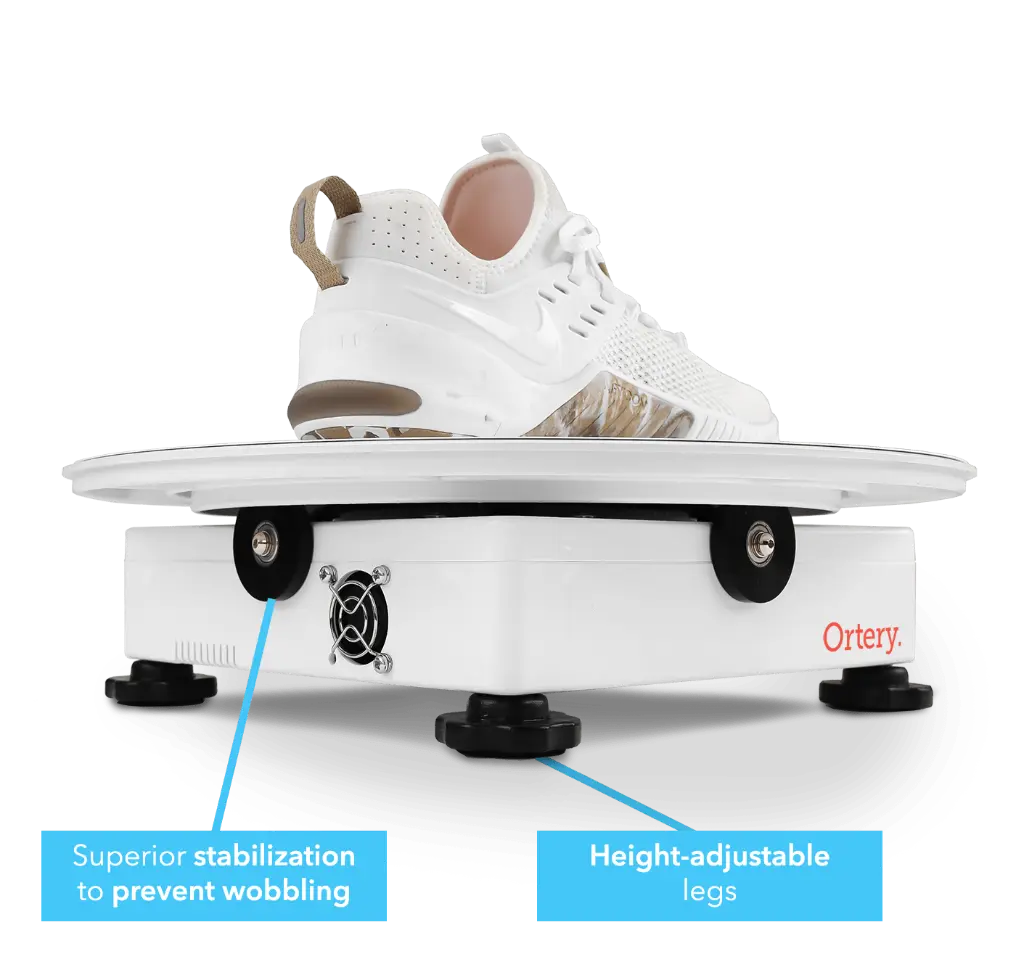
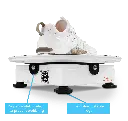
- No Wobble. Edge Rollers Provide Platform Stability and Even Weight Distribution
- Built-in 3.5mm Remote Shutter Release Jack
- 3 ft and 6 ft USB Cords Included
360 Software Workflow
360 Capture and Editing
Software controls camera settings and turntable movement. The real time preview allows you to quickly center and compose. Click Snap to capture a video or shoot up to 1024 frames per rotation. Batch edit and crop the pictures you take.
360 Stitching Software
Create 360 product views in HTML5, GIF, MOV and MP4. Create the interactive controls and desired look and feel. Control the load style, play style, zoom, watermarking, video intro and ending, button styles, social media links, animation movement controls and more
Maximize Production Speed and Consistency
Memorize your best settings at each step of the workflow and save them as a profile. Reuse the profile to create the next 360 and the entire workflow will be automated
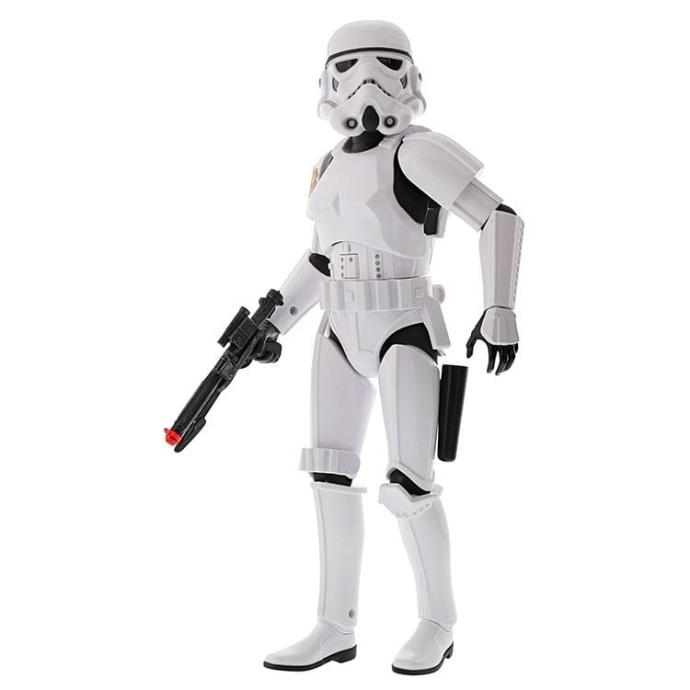
Make your website products interactive
GIVE CUSTOMERS A 360 VIEW OF YOUR PRODUCT
Light up your website and social media with interactive content. Potential customers always want to see more and offering 360 product views gives them confidence to buy. The 360 animations are responsive and optimized for mobile viewing. We make the 360 animations, videos and GIF files you create easy to share or view online.
- Free Implementation guide
- 1 month free hosting on SAAS Photo. Automatically save content to the cloud, then share it by emailing or embedding links into your website
- Free plug-ins for displaying 360 animations on Magento, Shopify and other eCommerce platforms
Utilize Multiple Configurations
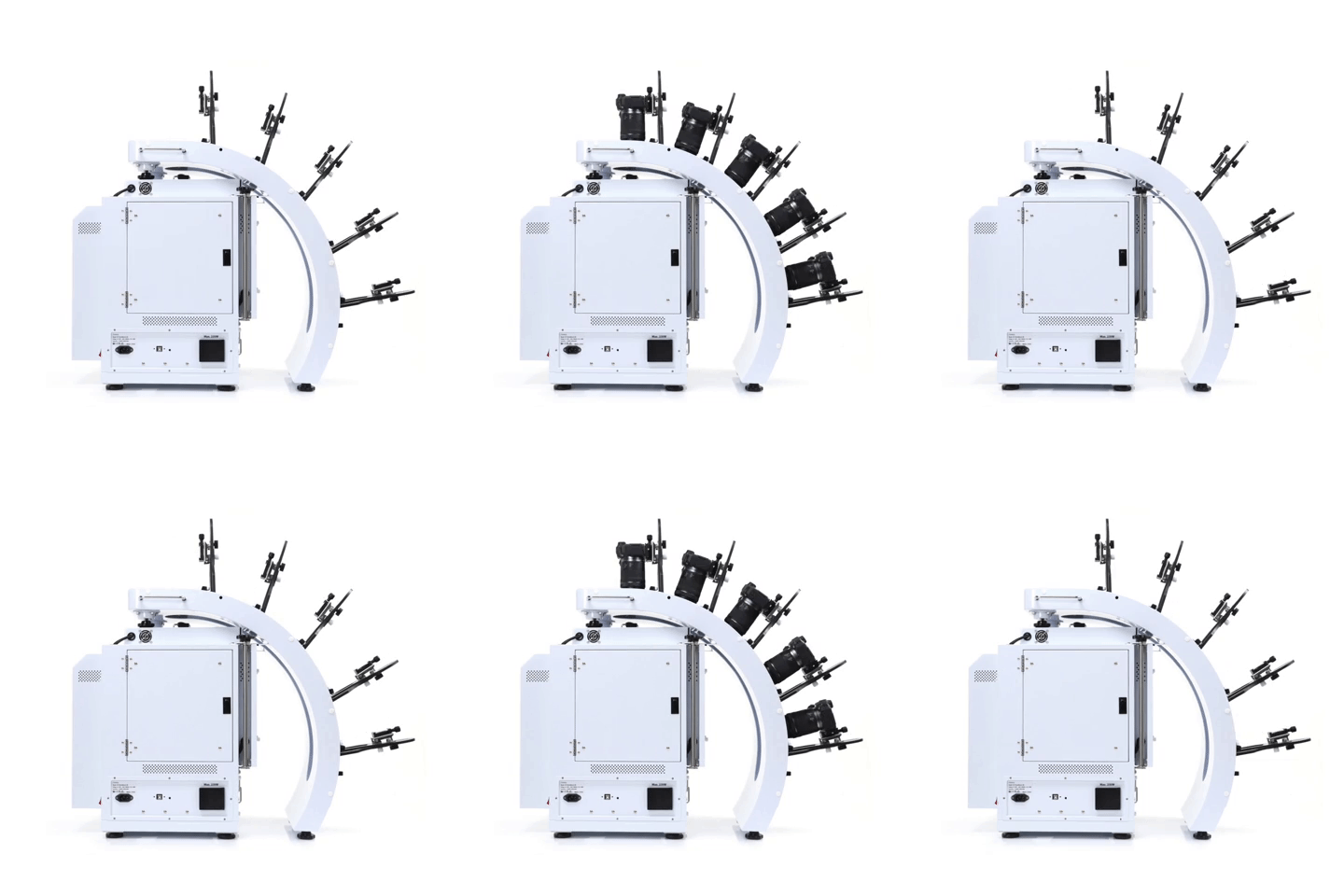
Take pictures and videos with up to 5 compatible Canon cameras. Use different configurations to create unique results.
- Simultaneously control and capture pictures with up to 5 Canon cameras. Take up to 800 images, max 5 rows
- Stable MultiArm rig with 52.57cm – 62.23cm shooting radius
- Create hemispherical views in one rotation, fast
- Universal tripod heads fit all compatible Canon cameras
3D Jewelry Capture Workflows
Automate Capture Workflows
Repeatedly capture jewelry from the exact angles you, automatically. Enjoy a new level of jewelry photography speed and consistency.
Create Hemispherical and Spherical 3D Jewelry Views
Add another dimension to online jewelry display. Show jewelry floating and spinning from every angle, including the bottom. Customers can interact, zoom, and see the fine details.
Dual View Capabilities
Attract more views by showing your jewelry at different angles, different zooms or in different configurations.
Video Sequencing
Take individual video clips of your jewelry – each highlighting a specific characteristic – then put them together to tell a complete story. All settings are memorized for future use.
Features
- Automates the creation and stitching of hemispherical and spherical product views
- Software controls the hardware (cameras, lights, turntable) and photography workflow (capture, editing, stitching & saving)
- Simultaneously control and take pictures with up to 5 Canon cameras. Take up to 800 images / 5 rows
- Cameras fire in sync with turntable movement
- Accelerate capture of still, video & 360 product views in JPG, PNG, TIFF, PSD, RAW, HTML5, GIF, MOV & MP4 formats
- Create 3D product views on pure white or transparent
- Save / Reuse best settings for increased productivity
- Batch editing, stitching & saving
- Free training, easy to learn and use
- Excellent craftsmanship, one-year hardware warranty