Style Pad
Get Pricing
A multi-purpose clothing photography solution for shooting apparel on pure-white & transparent backgrounds in flat, angled, or hanging positions
Clothing Photography Solution for Hanging, Angled & Flat Lay
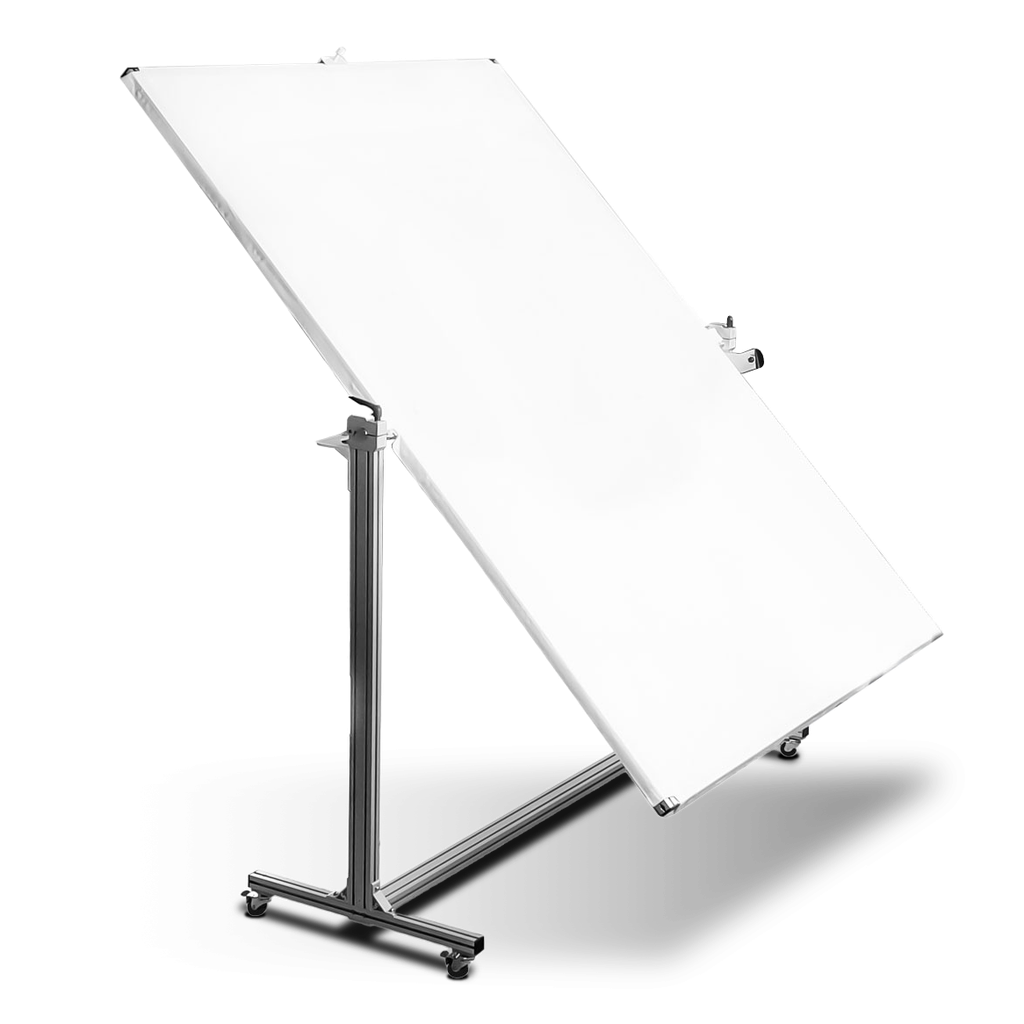
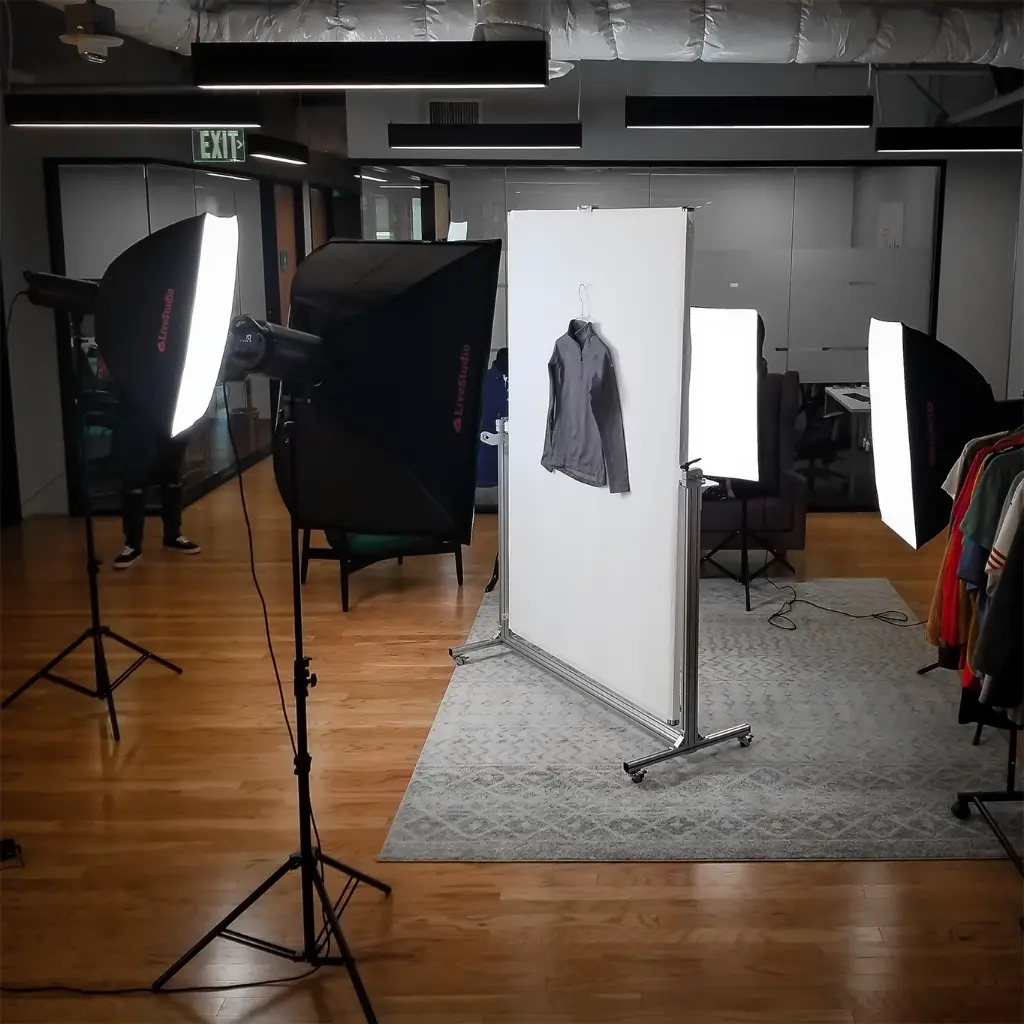
Photograph your clothing at the best angle. The Ortery SylePad is a clothing photography solution for shooting apparel in angled lay and natural hang positions. Flat lay clothing photography works great to make a unique impression. Clothes hanger, hanging clothing photography is consistent, simple and saves time. A StylePad can do both, but often the best look is achieved in the middle – an angled lay – with a natural hang.
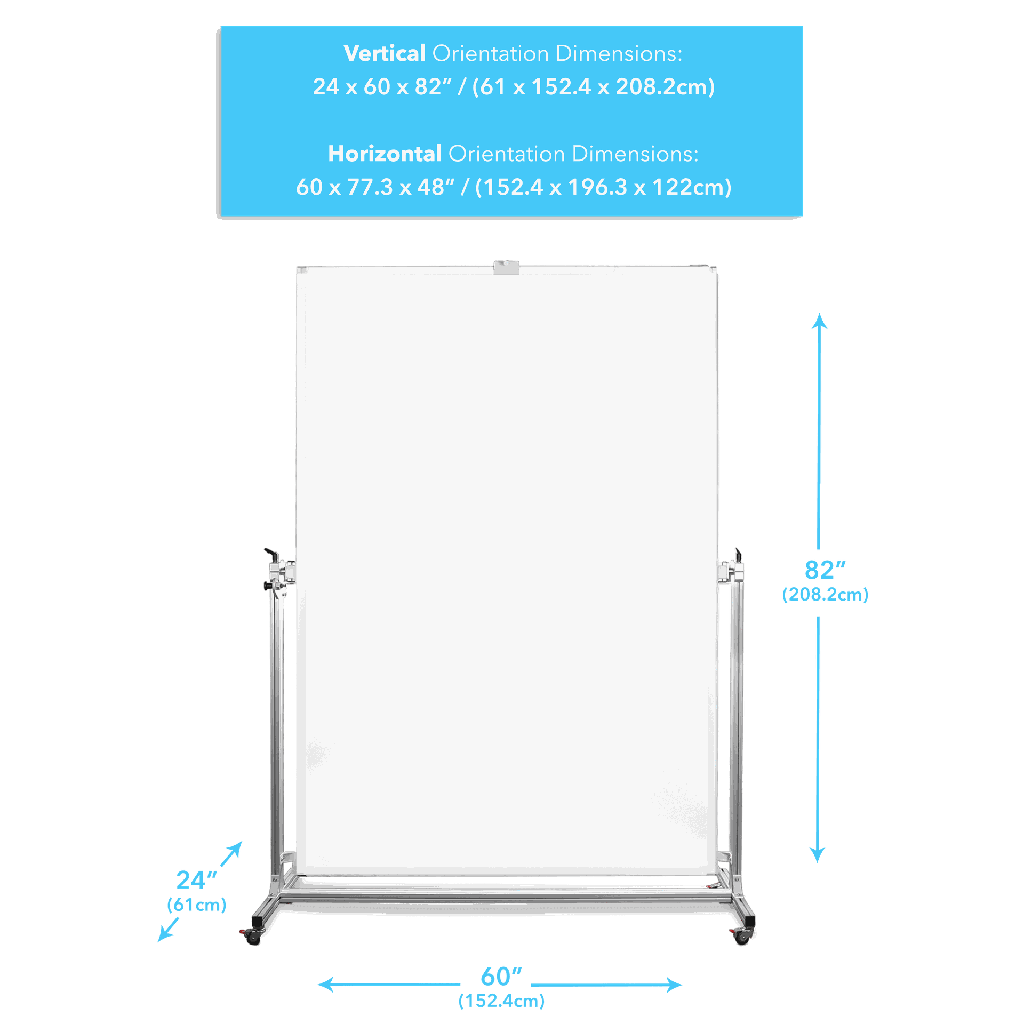
| Dimensions | 61 x 152 x 208 cm |
| Weight | 20 kg |
| Max Object Weight | 5 kg |
| Shooting Area | 135 x 191 cm |
| Comes With | Pins, Light Placement Diagrams, Installation Guide |
| Operating System |
|
| SOFTWARE REQUIREMENTS | COMPATIBLE CAMERAS |


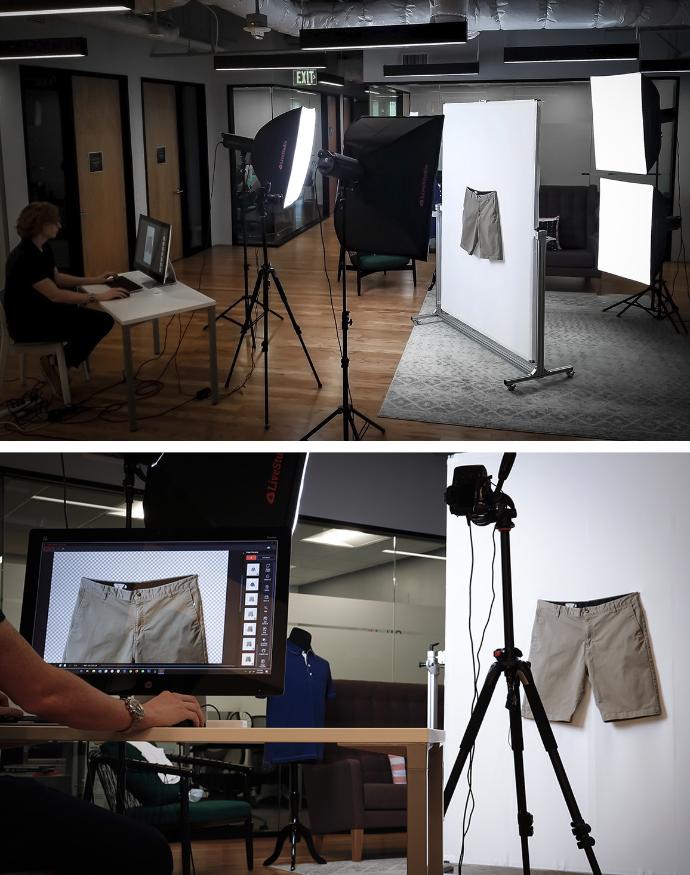
Clothing Photography Solution for Hanging, Angled and Flat Lay Photos
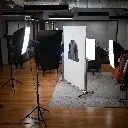
Photograph your clothing at the best angle. StylePad does it all and makes it easy. Use at home or in the studio to achieve professional photography results. The lite, sturdy aluminum construction provides a large shooting area perfect for taking pictures of tops, bottoms, combos and full-length apparel of all types. It comes with easy-to-use lighting diagrams and works with any lights or camera.
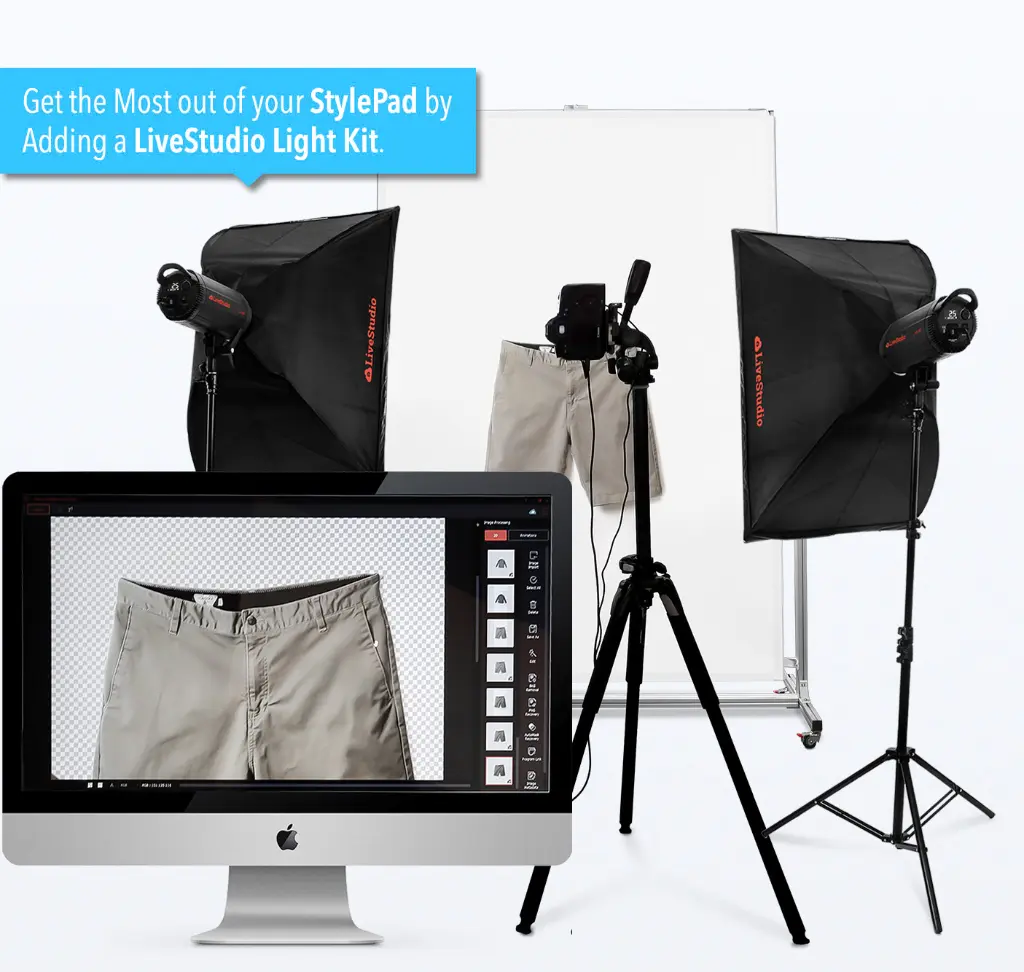
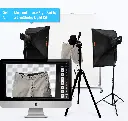
When paired with a Ortery LiveStudio lighting kit, software controls the lighting, a compatible camera and the entire image capture and processing workflow. It also ensures output on pure white and transparent backgrounds.
Shoot Apparel Vertical, Flat, and Every Angle In Between
Using fasteners built-in to the side joints, the StylePad can be set to any angle in the 90 degree range. For further stability, the StylePad locks into place when set straight up and while lying flat as a table. A side pin lock latches automatically to eliminate swing or movement when hanging clothes and apparel from the hanger hook. The durable cloth overlay is specially designed to stay taught long after the initial installation.
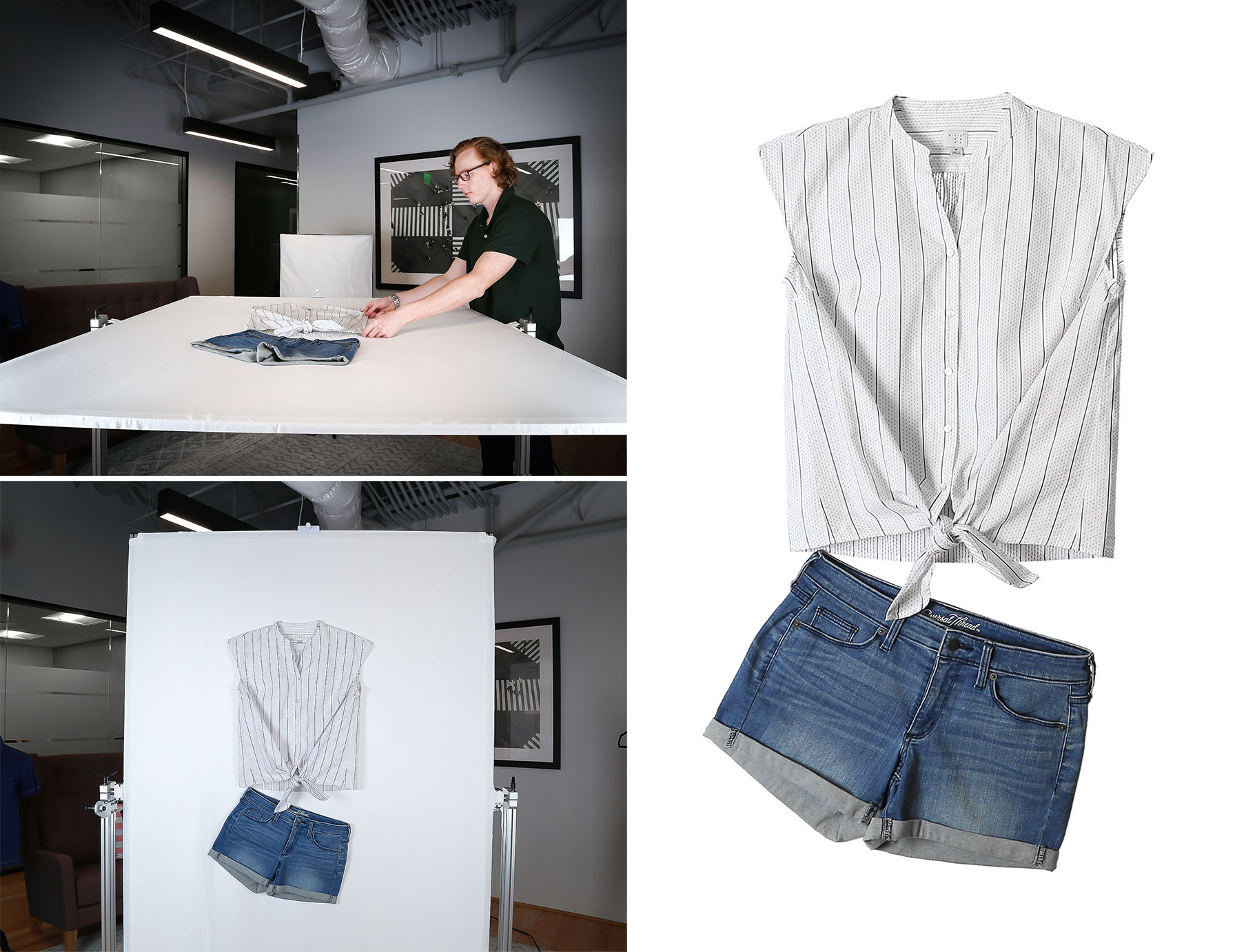
Pin, Point and Shoot!
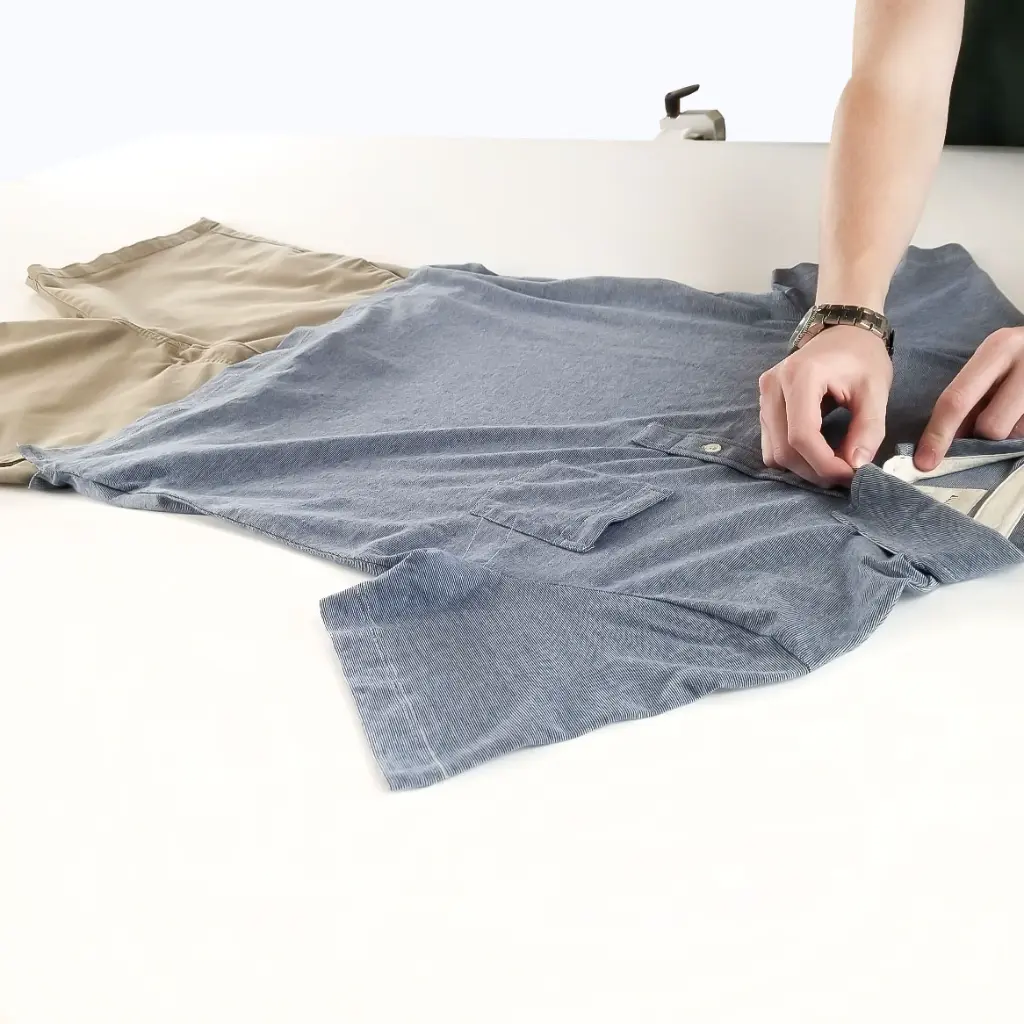
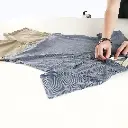
When locked in horizontally, simply lay, pin and fasten your apparel to the 52 x 75″ cloth background. Once the apparel is set, adjust the StylePad to the desired angle and click snap!
The StylePad lets you photograph your apparel products from the very best angle with plenty of room to be creative. You can also shoot multiple items at once in a group or individually. Although the scale and versatility of the StylePad can accommodate items of any shape or size, its slim compact design makes it easy to store when not in-use.
Still Product Shots Made Simple
- Simple to assemble
- Flexible inhouse clothing photography solution
- Easy to roll, lock in place and store
- Large 53” x 75” shooting area
- Great for all clothing and apparel photography
- Works with any cameras and lighting
- For best results, use the StylePad with Ortery LiveStudio Lights and photography software
- Comes with easy to follow light placement diagrams
- Simply pin, stylize and snap
- Special fabric makes pinning easy and leaves no trace
- Background fabric is taught with no wrinkles
- Consistent, repeatable results at any angle 0 to 90
- Included accessory and instructions on how to take pictures of clothes on a hanger
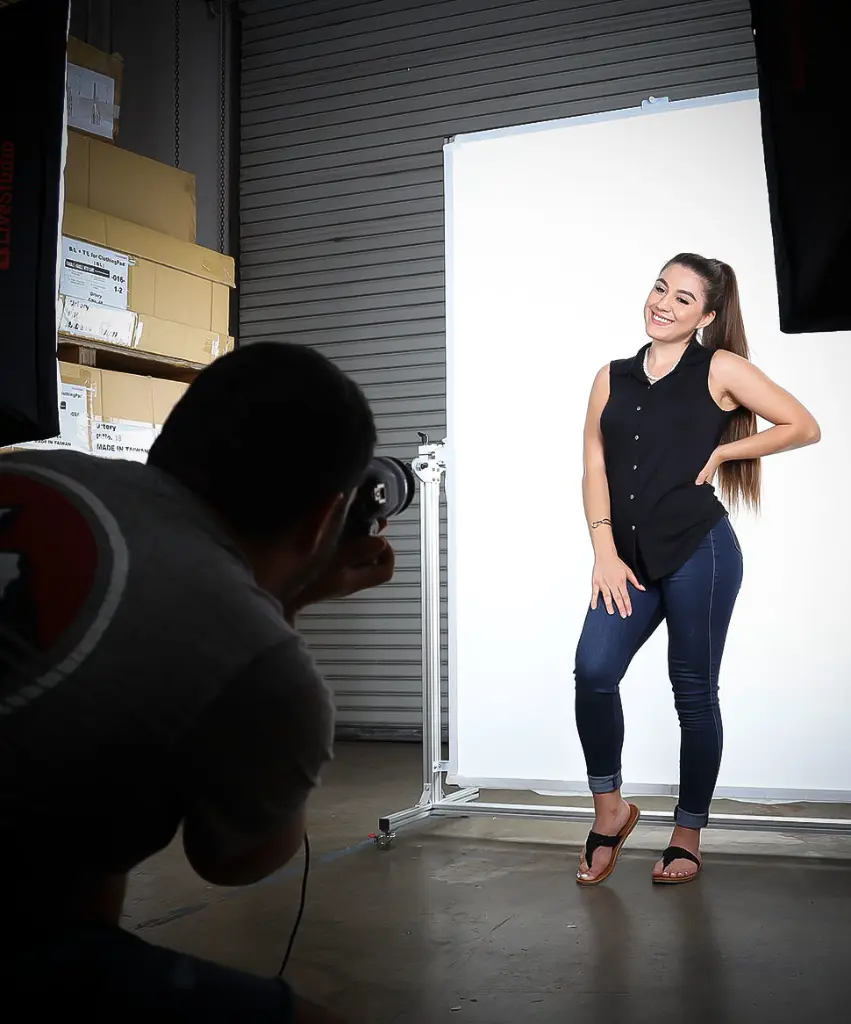
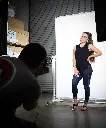
- Also use it as a uniform photography background for video, model or mannequin photography
- Take pictures for any application including eCommerce, catalog, social media
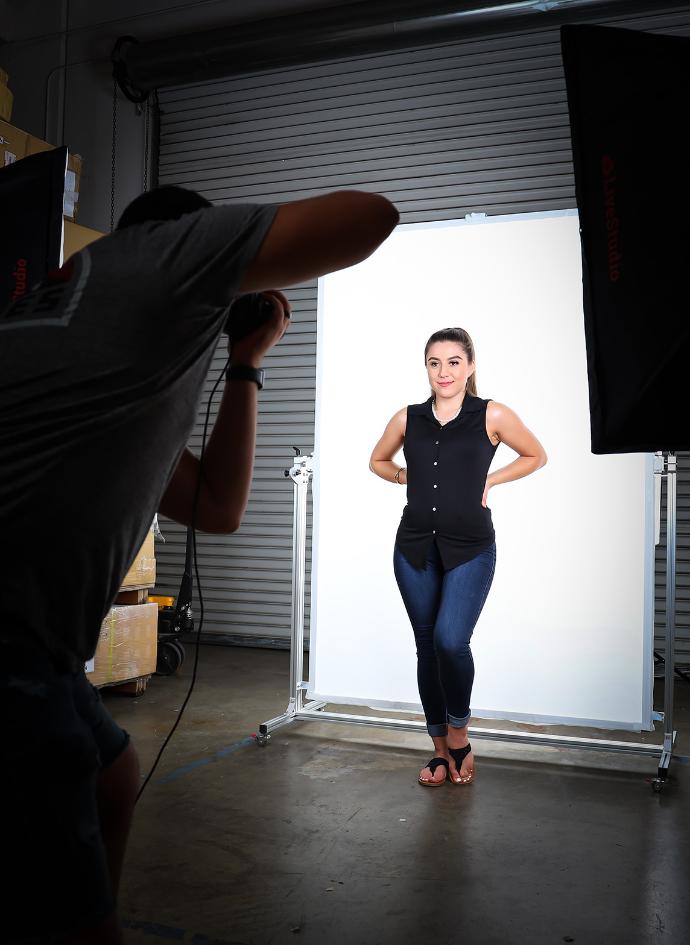
On-Hanger | Flat-Lay | Vertical | Angled | Model | Mannequin
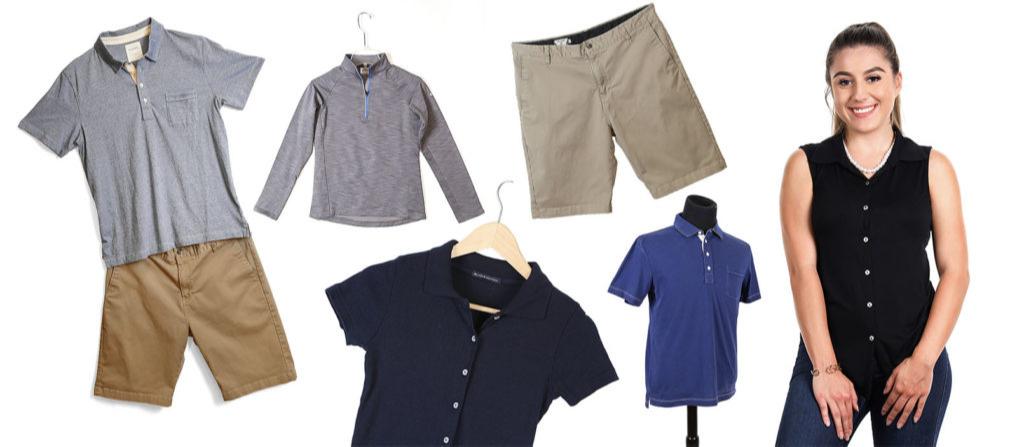
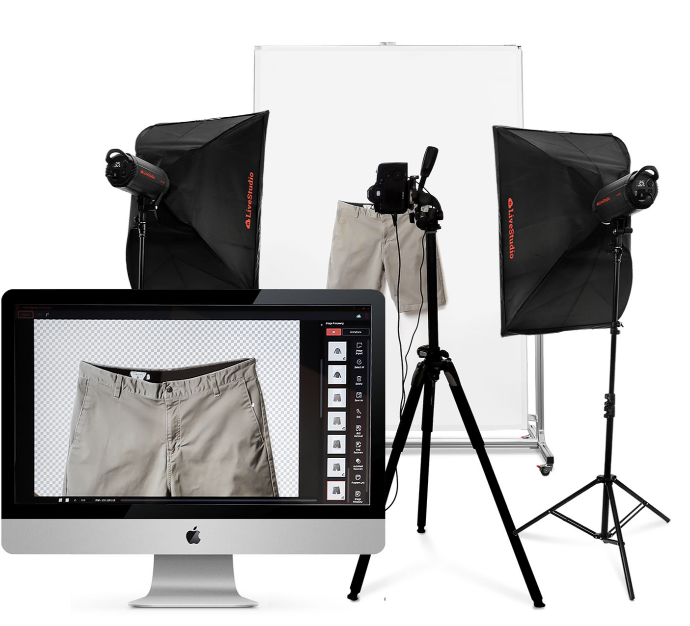
Create a Software Driven Clothing Photography Solution
Use the StylePad with a LiveStudio Light Kit (which includes photography software) to automate, speed up and simplify clothing photography.
- Software offers synchronized camera and lighting control
- Utilize the ‘what you see is what you get’ live preview
- Easily take photos of clothing on pure white and transparent backgrounds
- Establish automated workflows for taking, naming, editing and batch saving photos
- Save and re-use your best settings to consistently take pictures that require little to no editing
Utilize Multiple Configurations
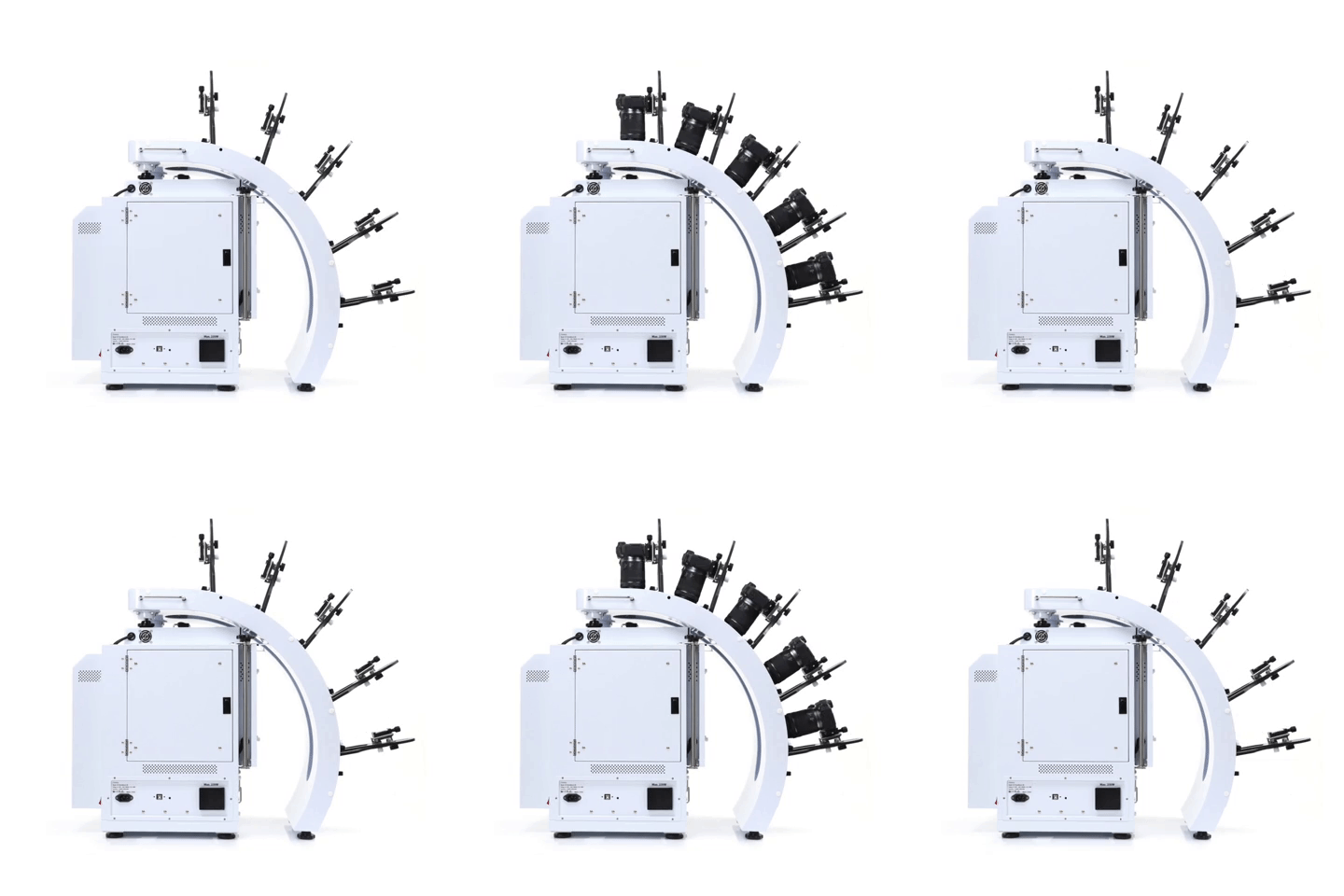
Take pictures and videos with up to 5 compatible Canon cameras. Use different configurations to create unique results.
- Simultaneously control and capture pictures with up to 5 Canon cameras. Take up to 800 images, max 5 rows
- Stable MultiArm rig with 52.57cm – 62.23cm shooting radius
- Create hemispherical views in one rotation, fast
- Universal tripod heads fit all compatible Canon cameras
3D Jewelry Capture Workflows
Automate Capture Workflows
Repeatedly capture jewelry from the exact angles you, automatically. Enjoy a new level of jewelry photography speed and consistency.
Create Hemispherical and Spherical 3D Jewelry Views
Add another dimension to online jewelry display. Show jewelry floating and spinning from every angle, including the bottom. Customers can interact, zoom, and see the fine details.
Dual View Capabilities
Attract more views by showing your jewelry at different angles, different zooms or in different configurations.
Video Sequencing
Take individual video clips of your jewelry – each highlighting a specific characteristic – then put them together to tell a complete story. All settings are memorized for future use.
Features
- Automates the creation and stitching of hemispherical and spherical product views
- Software controls the hardware (cameras, lights, turntable) and photography workflow (capture, editing, stitching & saving)
- Simultaneously control and take pictures with up to 5 Canon cameras. Take up to 800 images / 5 rows
- Cameras fire in sync with turntable movement
- Accelerate capture of still, video & 360 product views in JPG, PNG, TIFF, PSD, RAW, HTML5, GIF, MOV & MP4 formats
- Create 3D product views on pure white or transparent
- Save / Reuse best settings for increased productivity
- Batch editing, stitching & saving
- Free training, easy to learn and use
- Excellent craftsmanship, one-year hardware warranty