ClothingPad Mini
Get Pricing
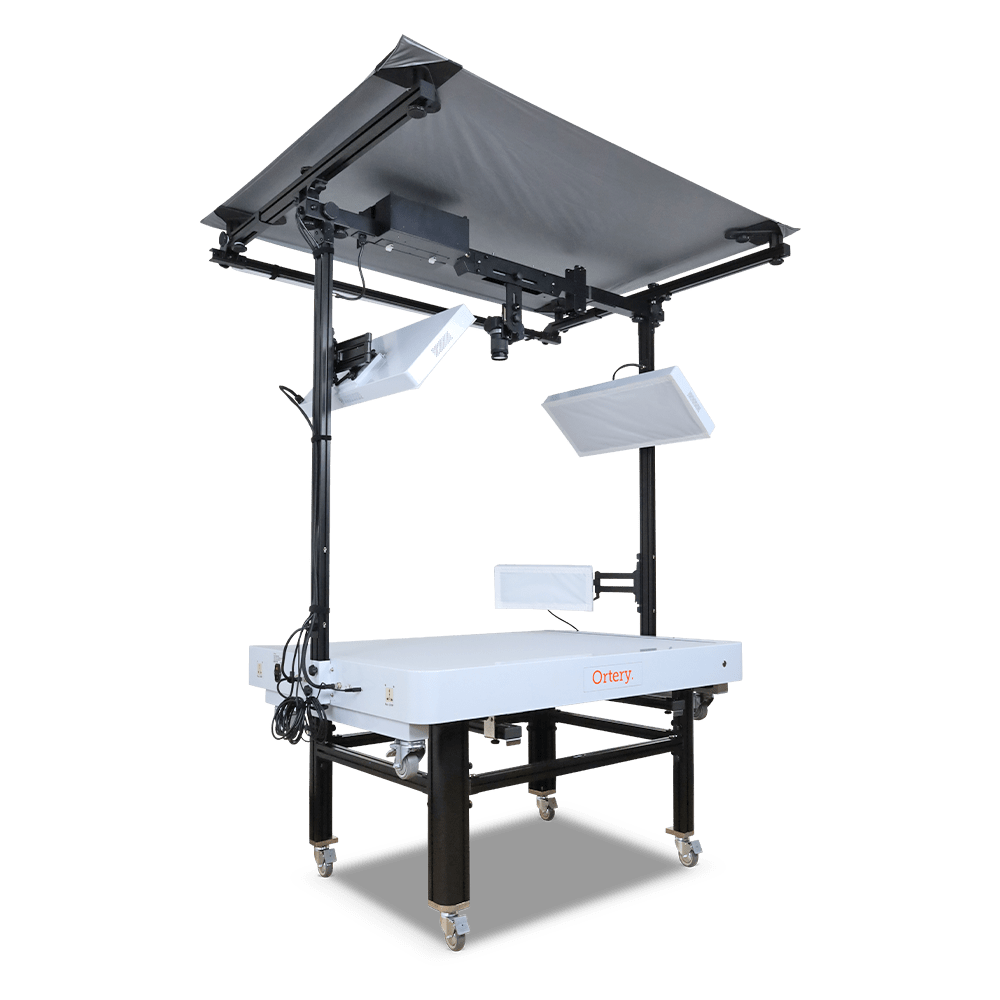
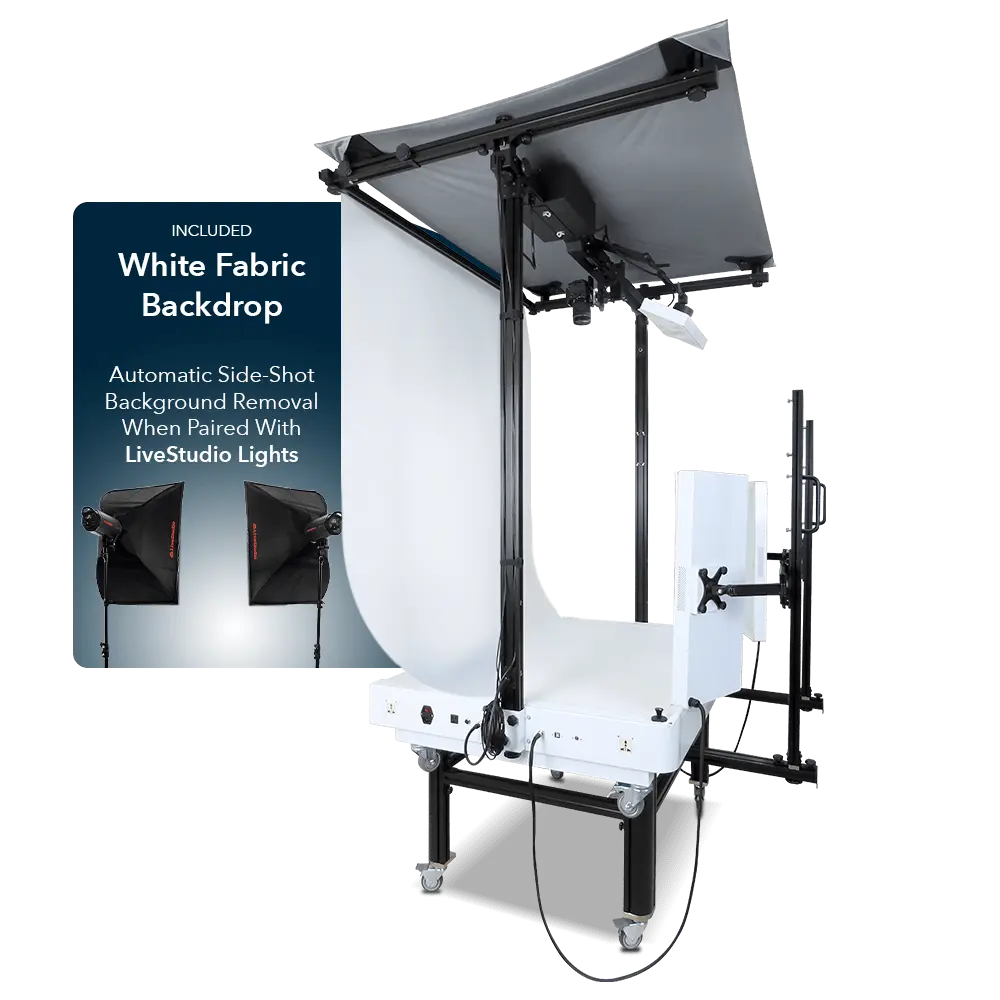
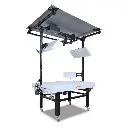
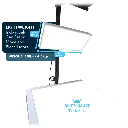
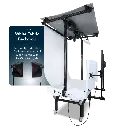
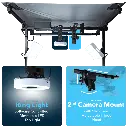
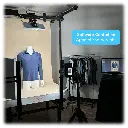
Take flat shots of clothing and products on pure white backgrounds using Ortery ClothingPad mini. Software controlled, flat lay product photography equipment.
Flat lay Fashion Photography Made Simple
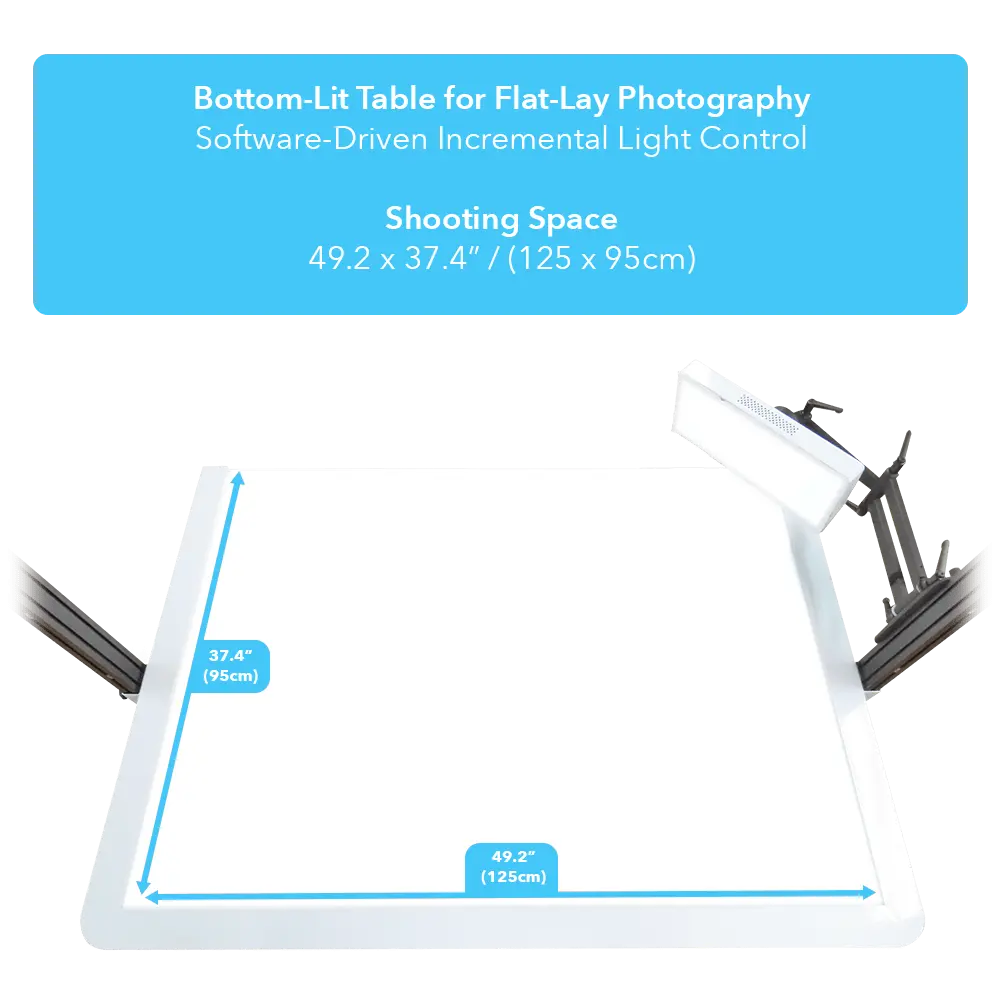
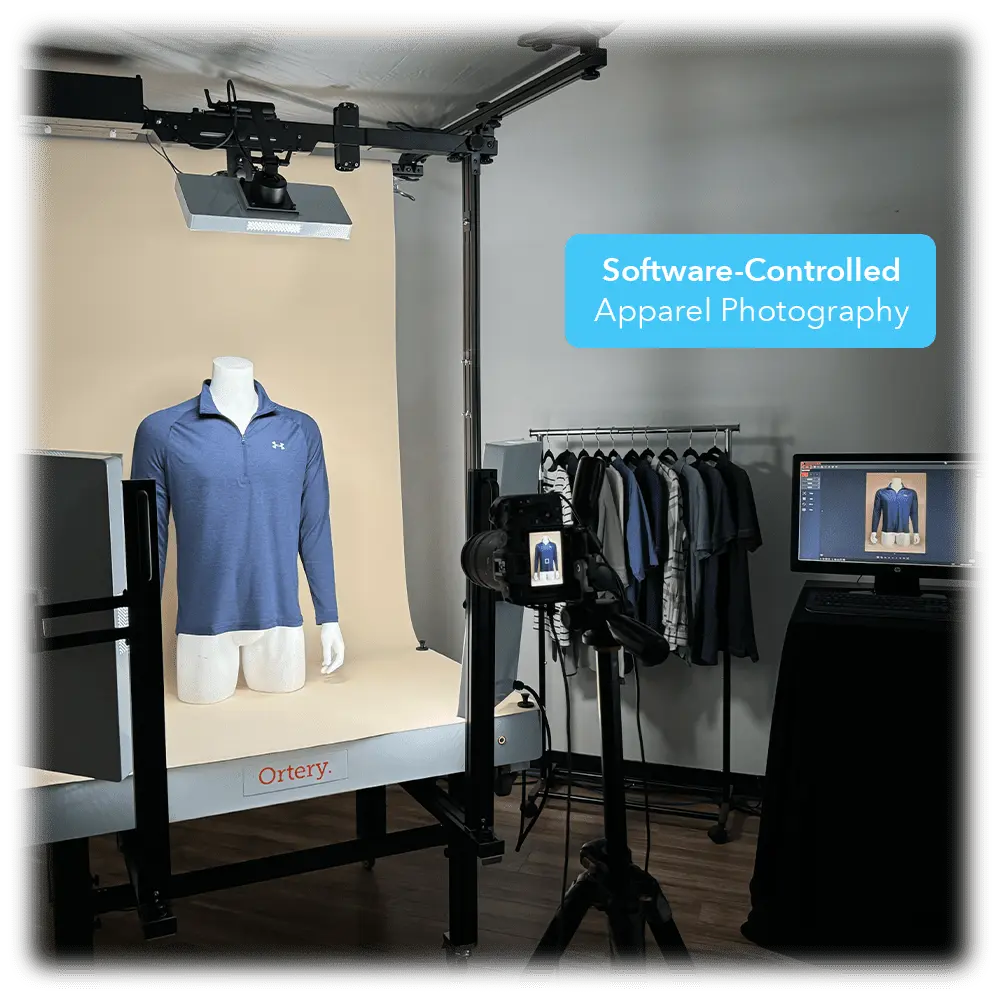
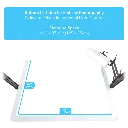
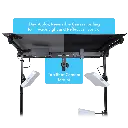
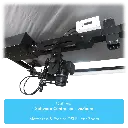
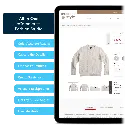
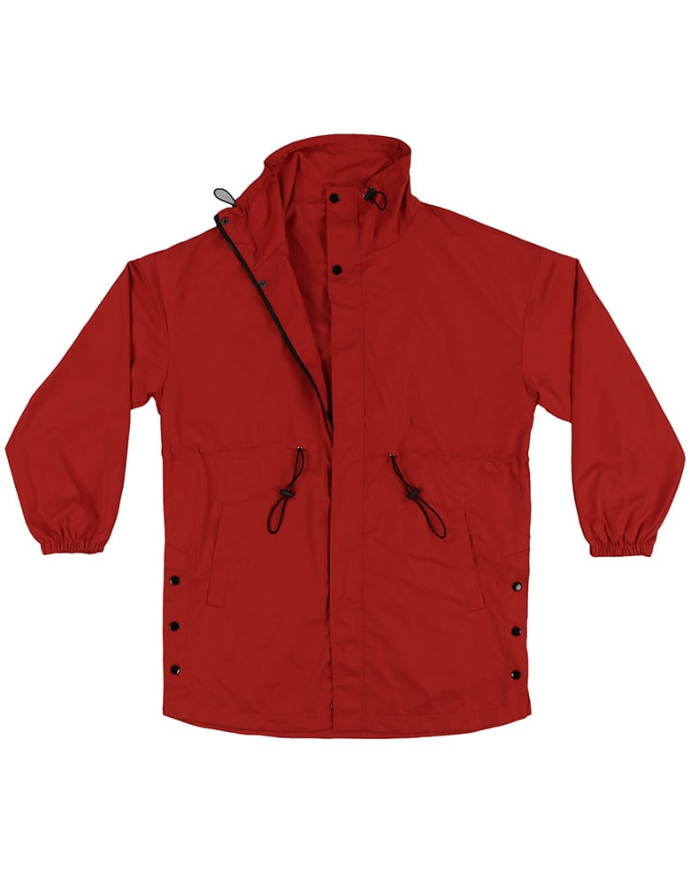
Quickly take photos of clothing and apparel on pure white and transparent backgrounds. This bottom lit photography table makes it easy. Simply place shirts, pants, sweaters or any garment on the table. Use the software to make and view adjustments to lighting and camera settings in real time. Click snap to capture and view the result. Best lighting, camera and save settings can be reused to increase photography speed. Easy to learn and use. Perfect for taking professional pictures of pants, shirts and other apparel for website, catalog or social media use.
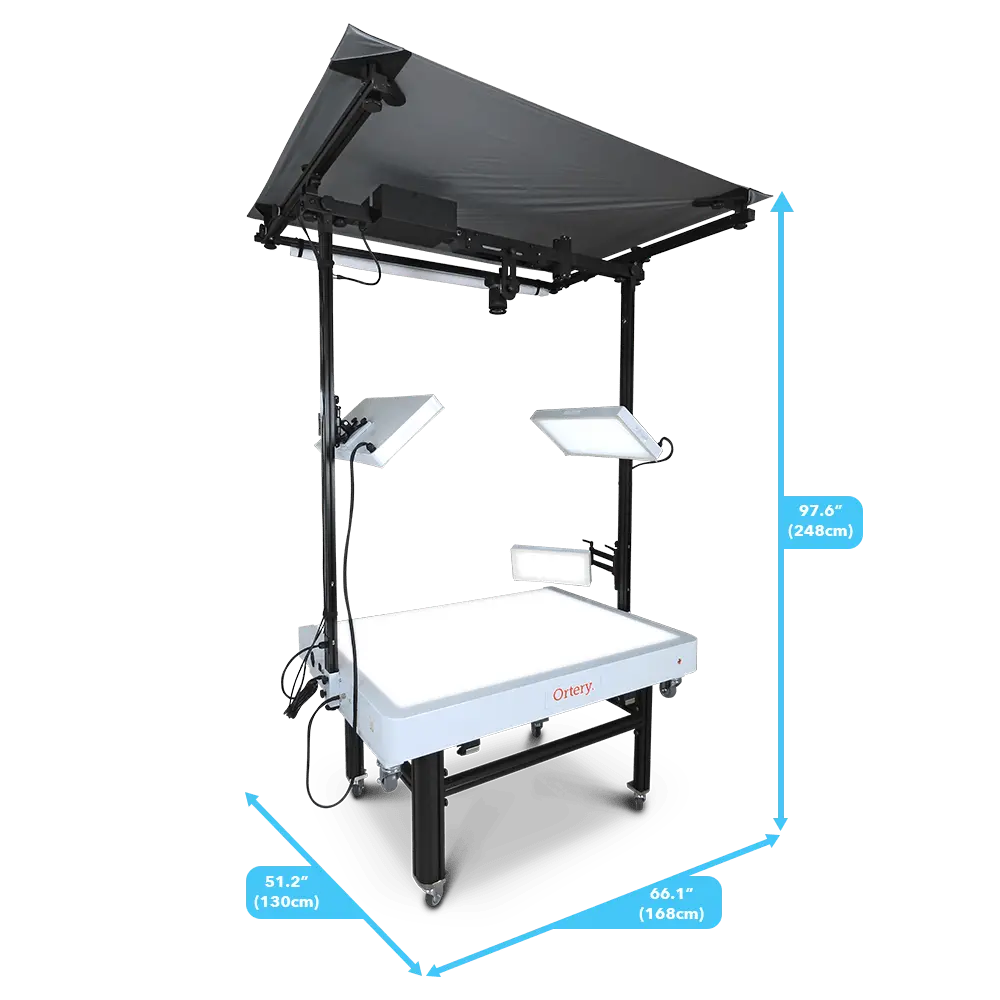
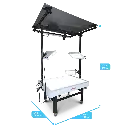
| Dimensions | 149 x 131 x (210 or 240) cm |
| Weight | 131 kg |
| Max Object Weight | 10 kg |
| Light Quality | CRI: 95+ COLOR TEMP: 5700K LED LIFE: 50,000 HOURS |
| Max Object Size | Top Shots: 127 x 96.52 cm Side Shots: Depends on angle |
| Operating System |
|
| SOFTWARE REQUIREMENTS | COMPATIBLE CAMERAS |


Flat Lay Product Photography Equipment
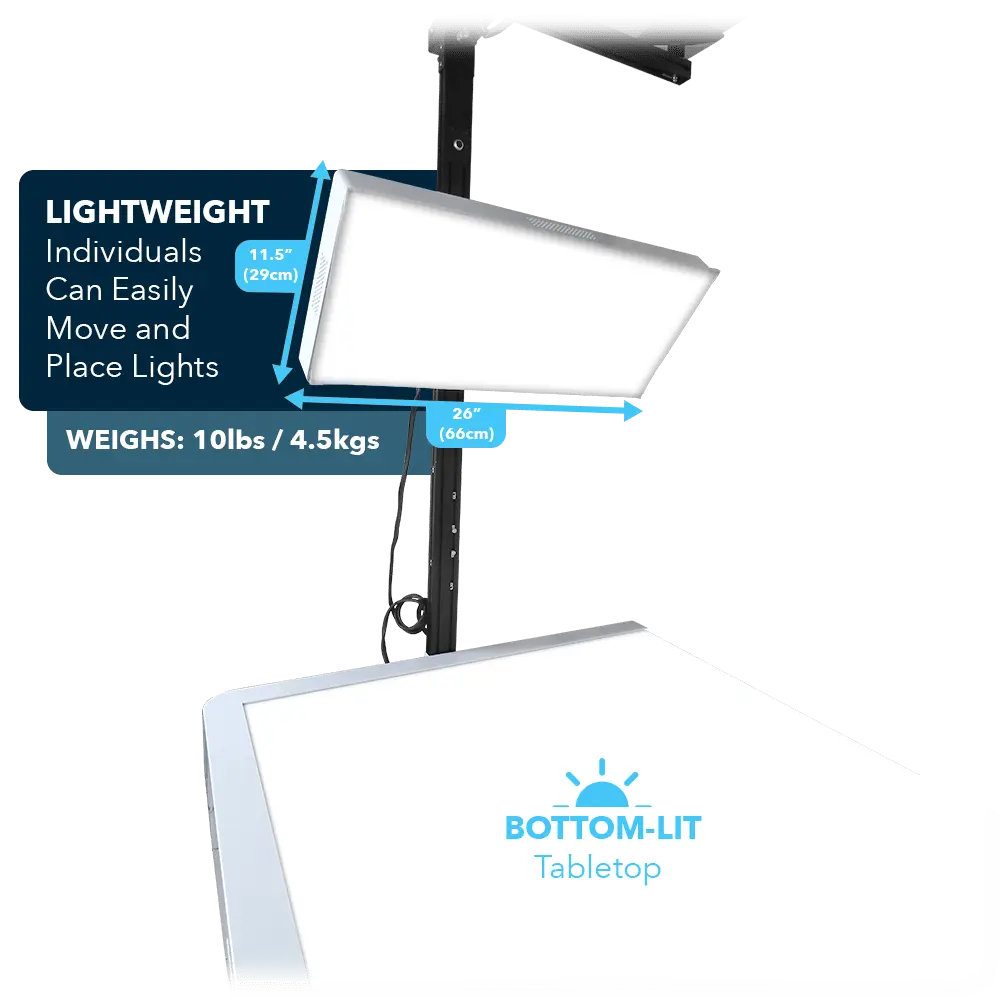
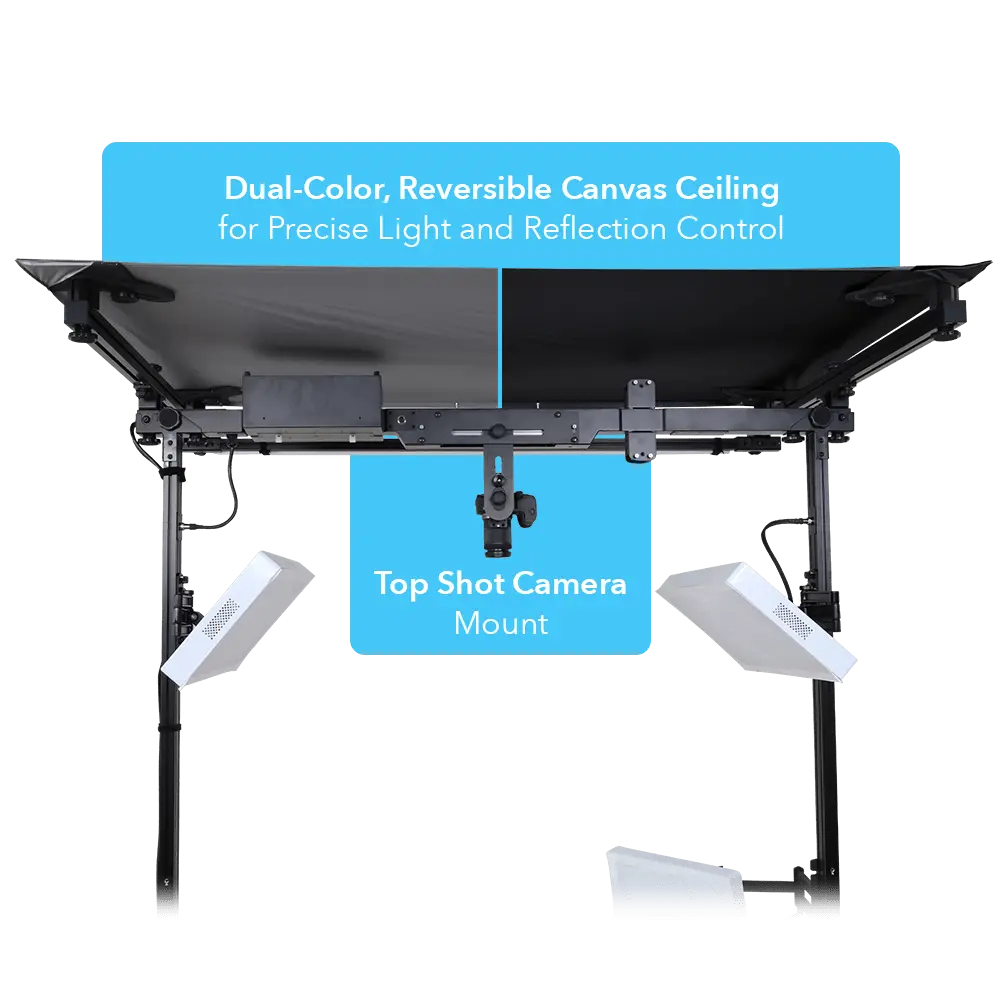
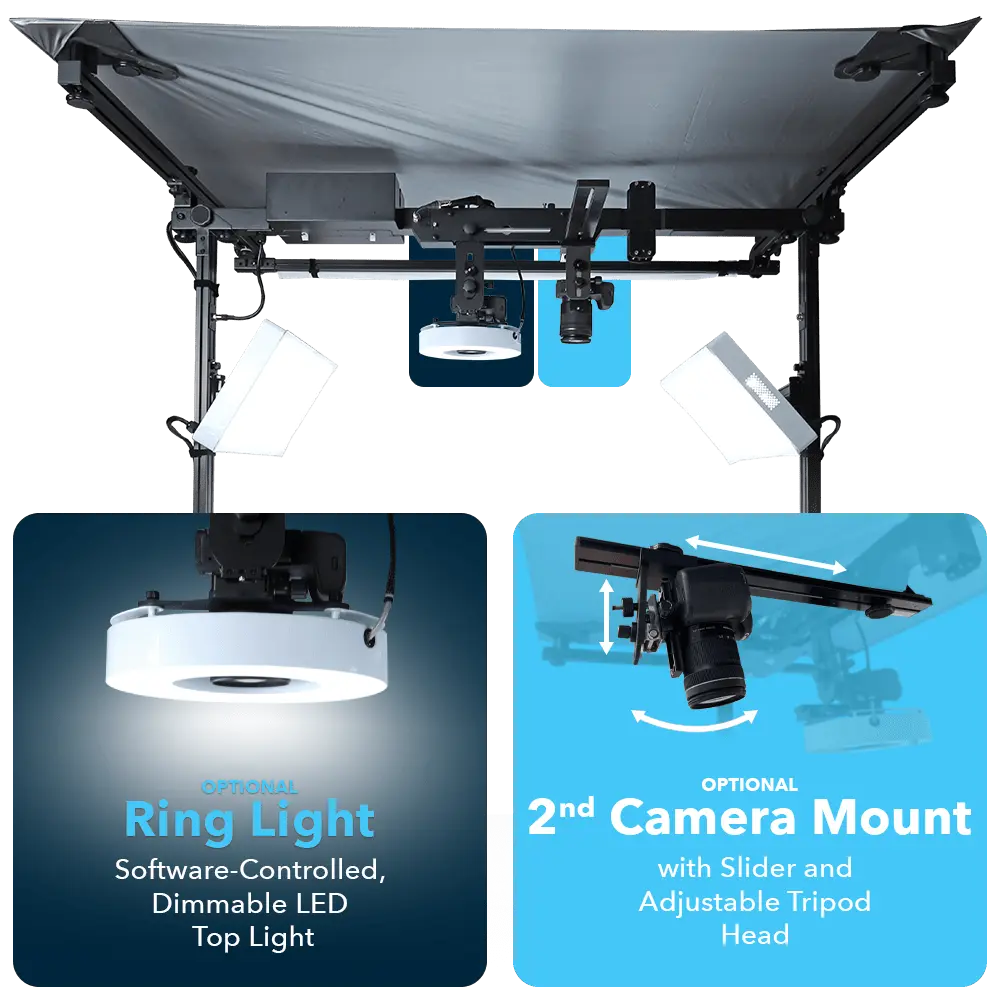
- Product Photography LED Table and Lights
- Product Photography Software
- Full Camera / Lighting Control with Real-Time Preview
- Automated Image Capture, Editing, Processing and Saving
- Large dimmable dynamic range with high color accuracy and fine, incremental light control
- Take Pictures with Pure White Backgrounds
- Take Pictures with Transparent Backgrounds
Need a larger flat lay solution? Consider the ClothingPad
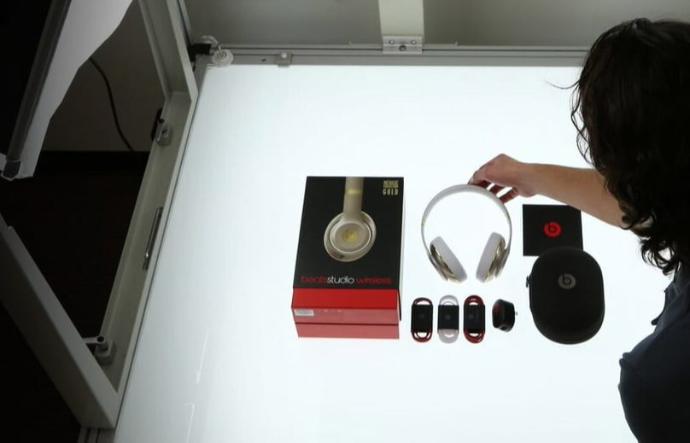
Benefits and Industry Use
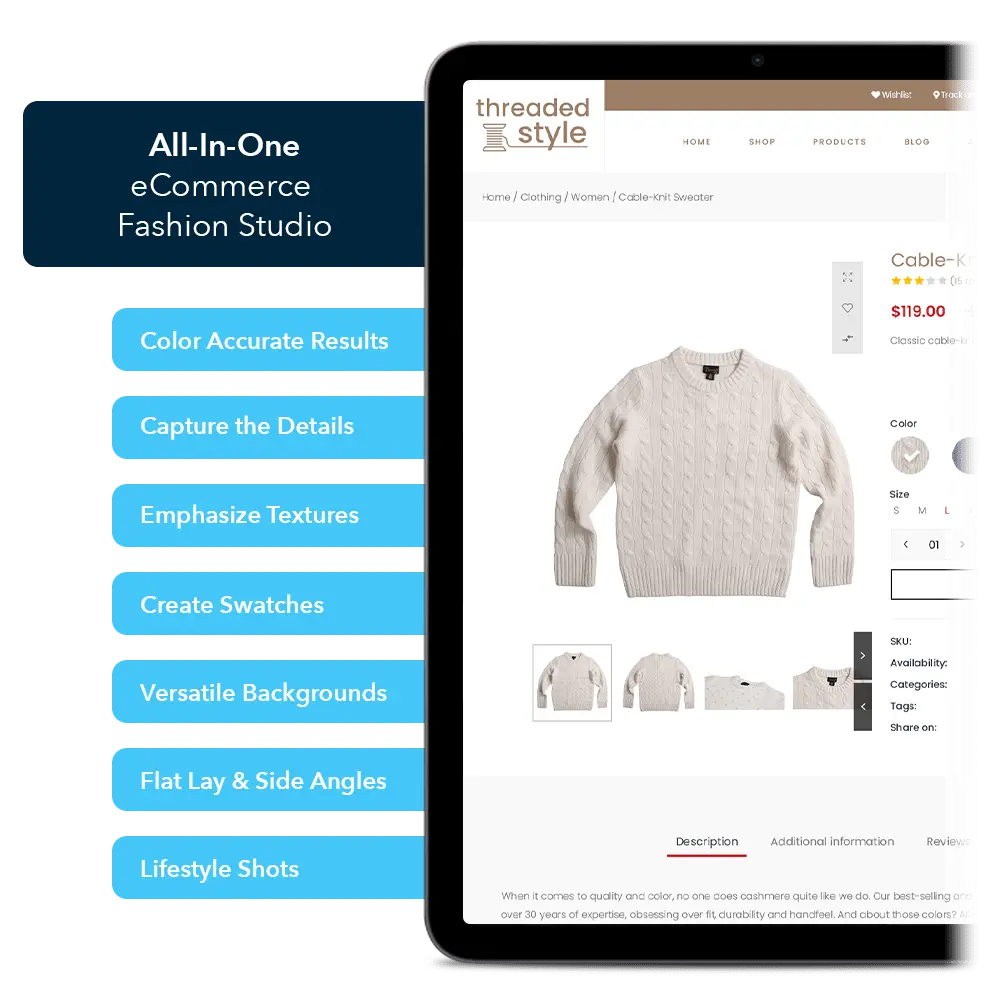
Flat lay photography offers a unique and creative way to display products. The ClothingPad Mini is a self-contained, easy to use solution for achieving professional results.
- Computer-Controlled Photography
- Automated Image Capture, Processing, Editing and Saving
- Accelerate Photography, Reduce Production Costs and Increase Output Consistency
- Simple to Use, No Experience Necessary
- Place Object, Preview in Real-Time on Monitor Screen, Control Light and Camera Settings via Software, then Click Snap. Pictures Automatically Appear on Monitor Screen in Seconds.
- Eliminates Extensive Editing
- Take Product Shots on Pure White Backgrounds
- Take Product Shots on Transparent Backgrounds
- Take Close Ups to Highlight Specific Features
- RAW, JPG, PNG and TIFF Output
Combine with a LiveStudio to Further Automate Photography on Mannequins or Models
The Right Software
- Large Real-Time Preview
- Batch Saving – Use Custom Saving Profiles to Save and Edit Images Multiple Ways with One Click
- Batch Image Editing – Includes Levels, Curves, Brightness, Contrast, Saturation, Sharpness, Auto White Balance, Hue, Saturation and Brightness, Combo Editing Tools and more
- Save and Re-use Optimized Camera and Lighting Settings
- The AfterImage Feature Ensures Product Placement Consistency
- Take Pictures on Pure White Backgrounds
- Take Product Shots in PNG Format with Transparent Backgrounds
- Spot Color Adjustment
Utilize Multiple Configurations
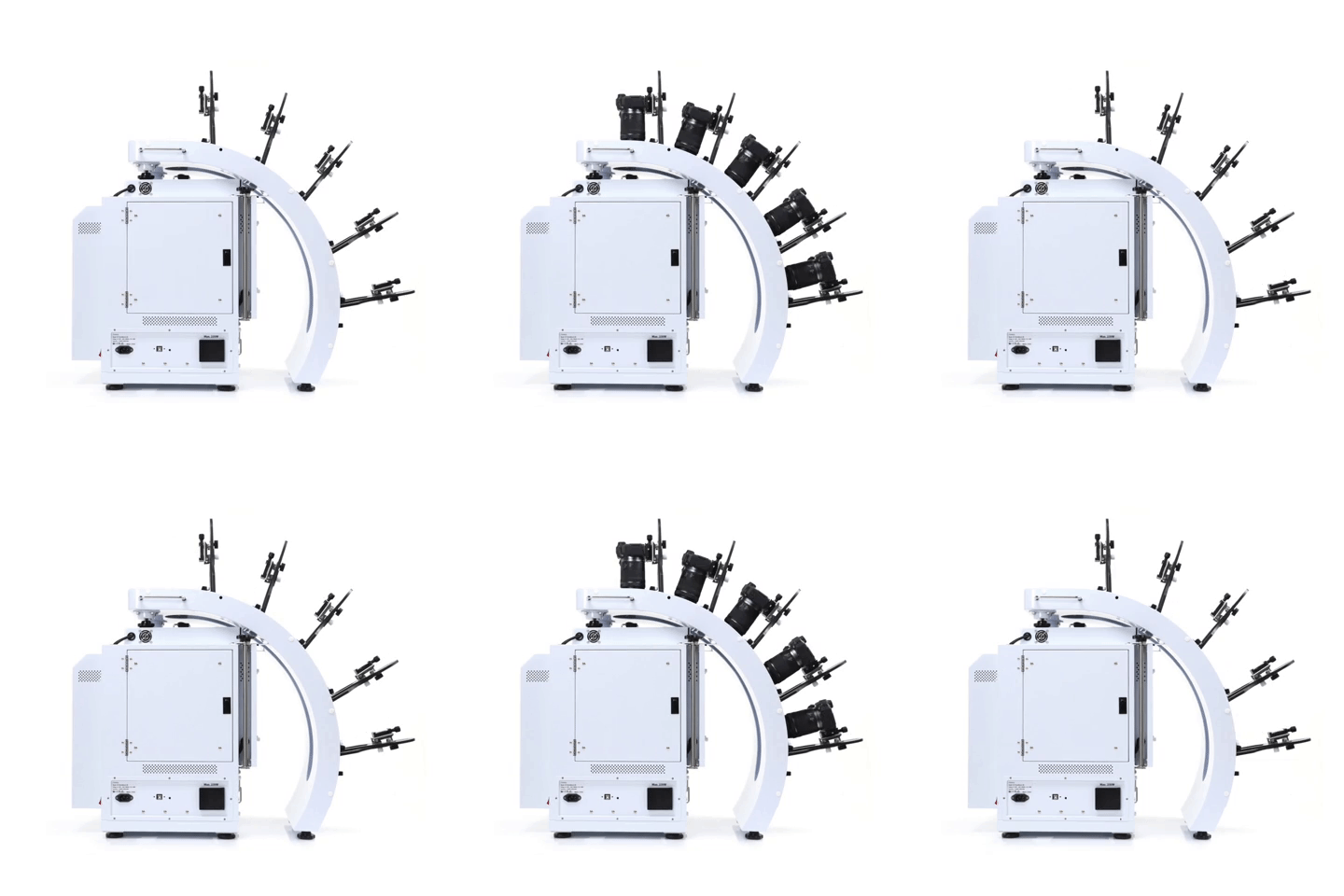
Take pictures and videos with up to 5 compatible Canon cameras. Use different configurations to create unique results.
- Simultaneously control and capture pictures with up to 5 Canon cameras. Take up to 800 images, max 5 rows
- Stable MultiArm rig with 52.57cm – 62.23cm shooting radius
- Create hemispherical views in one rotation, fast
- Universal tripod heads fit all compatible Canon cameras
3D Jewelry Capture Workflows
Automate Capture Workflows
Repeatedly capture jewelry from the exact angles you, automatically. Enjoy a new level of jewelry photography speed and consistency.
Create Hemispherical and Spherical 3D Jewelry Views
Add another dimension to online jewelry display. Show jewelry floating and spinning from every angle, including the bottom. Customers can interact, zoom, and see the fine details.
Dual View Capabilities
Attract more views by showing your jewelry at different angles, different zooms or in different configurations.
Video Sequencing
Take individual video clips of your jewelry – each highlighting a specific characteristic – then put them together to tell a complete story. All settings are memorized for future use.
Features
- Automates the creation and stitching of hemispherical and spherical product views
- Software controls the hardware (cameras, lights, turntable) and photography workflow (capture, editing, stitching & saving)
- Simultaneously control and take pictures with up to 5 Canon cameras. Take up to 800 images / 5 rows
- Cameras fire in sync with turntable movement
- Accelerate capture of still, video & 360 product views in JPG, PNG, TIFF, PSD, RAW, HTML5, GIF, MOV & MP4 formats
- Create 3D product views on pure white or transparent
- Save / Reuse best settings for increased productivity
- Batch editing, stitching & saving
- Free training, easy to learn and use
- Excellent craftsmanship, one-year hardware warranty